Brand assets.
The Lumo icon, logo and store art, drawn from the app's own screens. Use them when you write about Lumo or link to it.
Icon
Store










Full bleed. Play and the App Store cut their own shape.
Logo






PNG
- Mark on black, 512
- Mark on white, 512
- Mark clear, for dark, 512
- Mark clear, for light, 512
- Mark on black, 1024
- Mark on white, 1024
- Mark clear, for dark, 1024
- Mark clear, for light, 1024
- Logo on black, 512
- Logo on white, 512
- Logo clear, for dark, 512
- Logo clear, for light, 512
- Logo on black, 1024
- Logo on white, 1024
- Logo clear, for dark, 1024
- Logo clear, for light, 1024












Vector and PNG, with the clear space built into the file.
Feature graphic
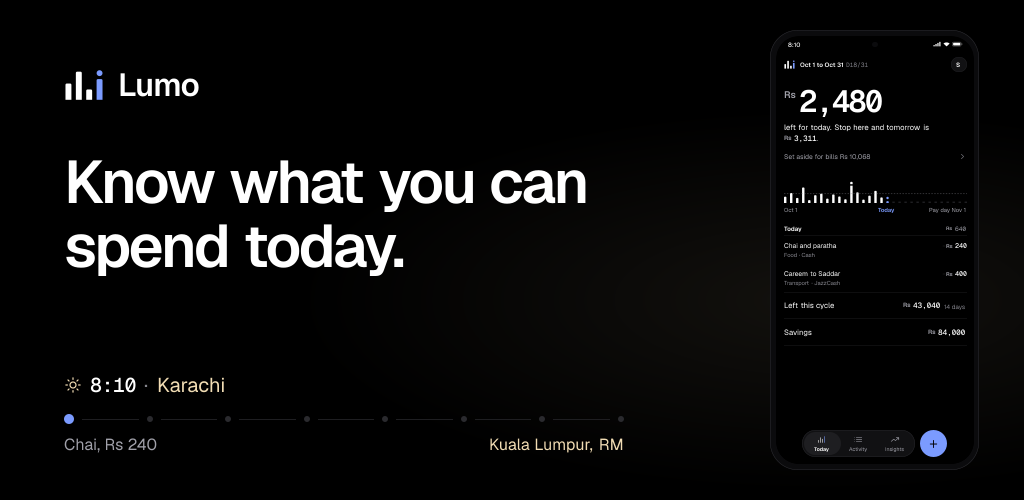
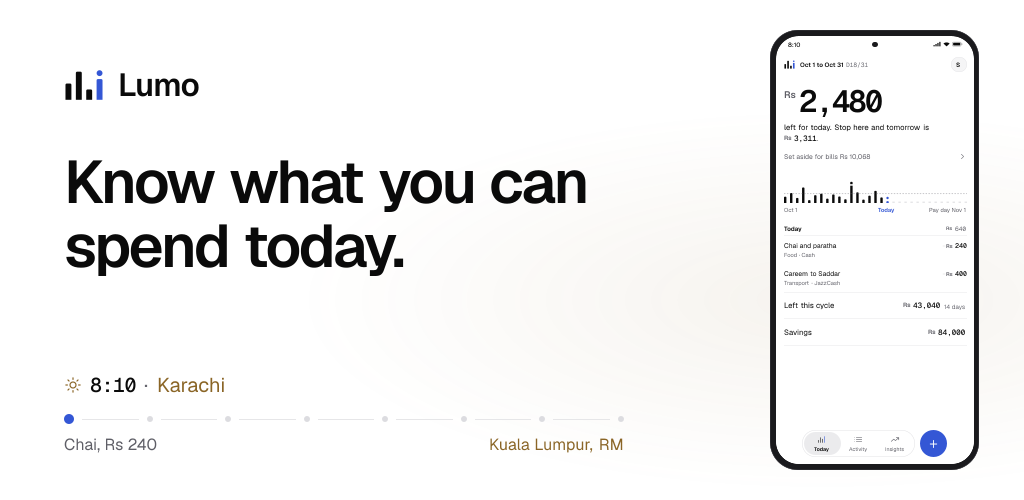
1024 × 500, no alpha. The text stays inside the centre 80%.
App Store


No alpha, on Apple's template canvases. Everything that matters sits in the centre safe area: 1644 × 658 on the header, 2166 × 1028 on search results, 1400 × 960 on the universal one, which fills either slot.
Google Play, phone
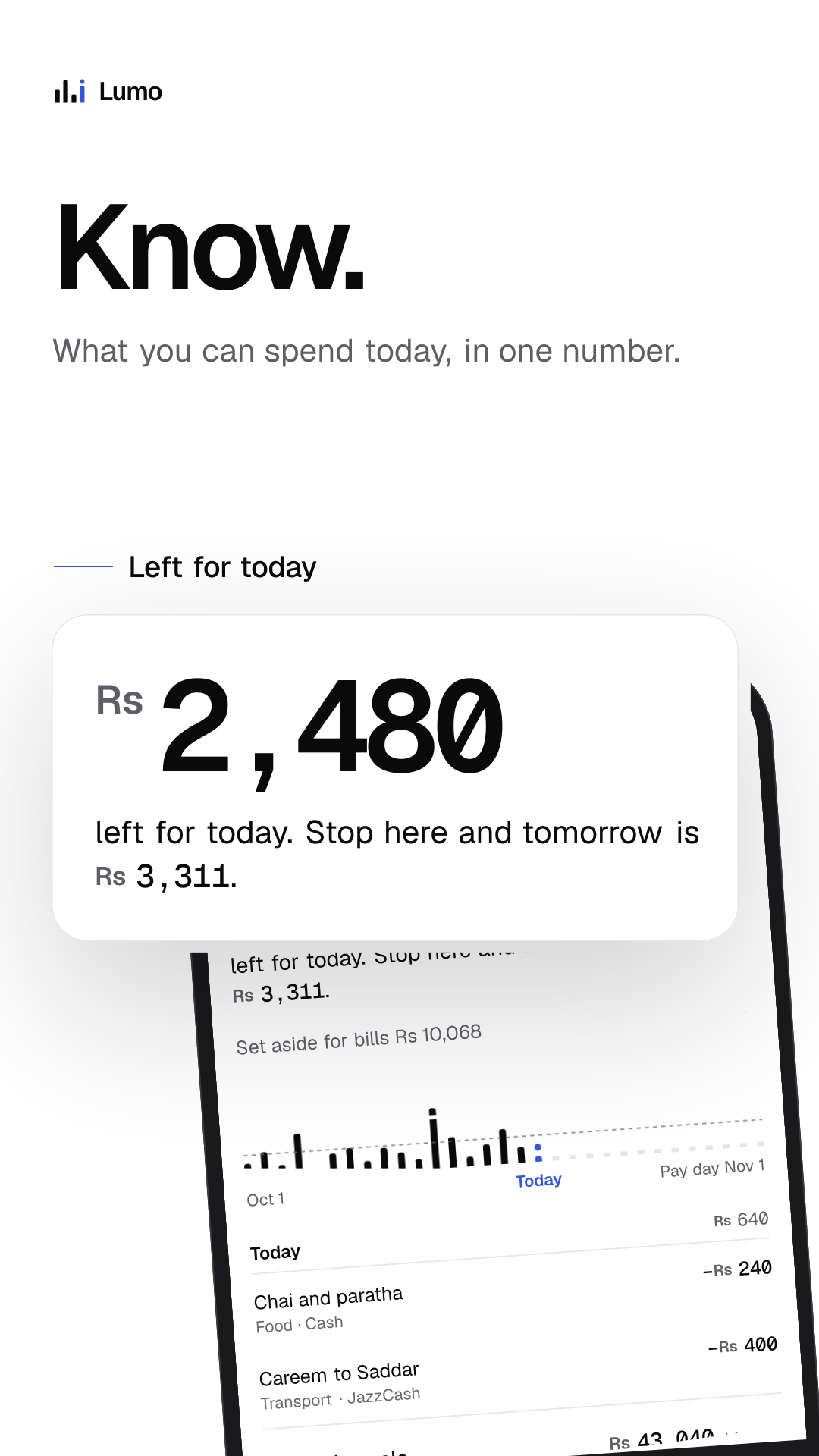
- Know. What you can spend today, in one number.
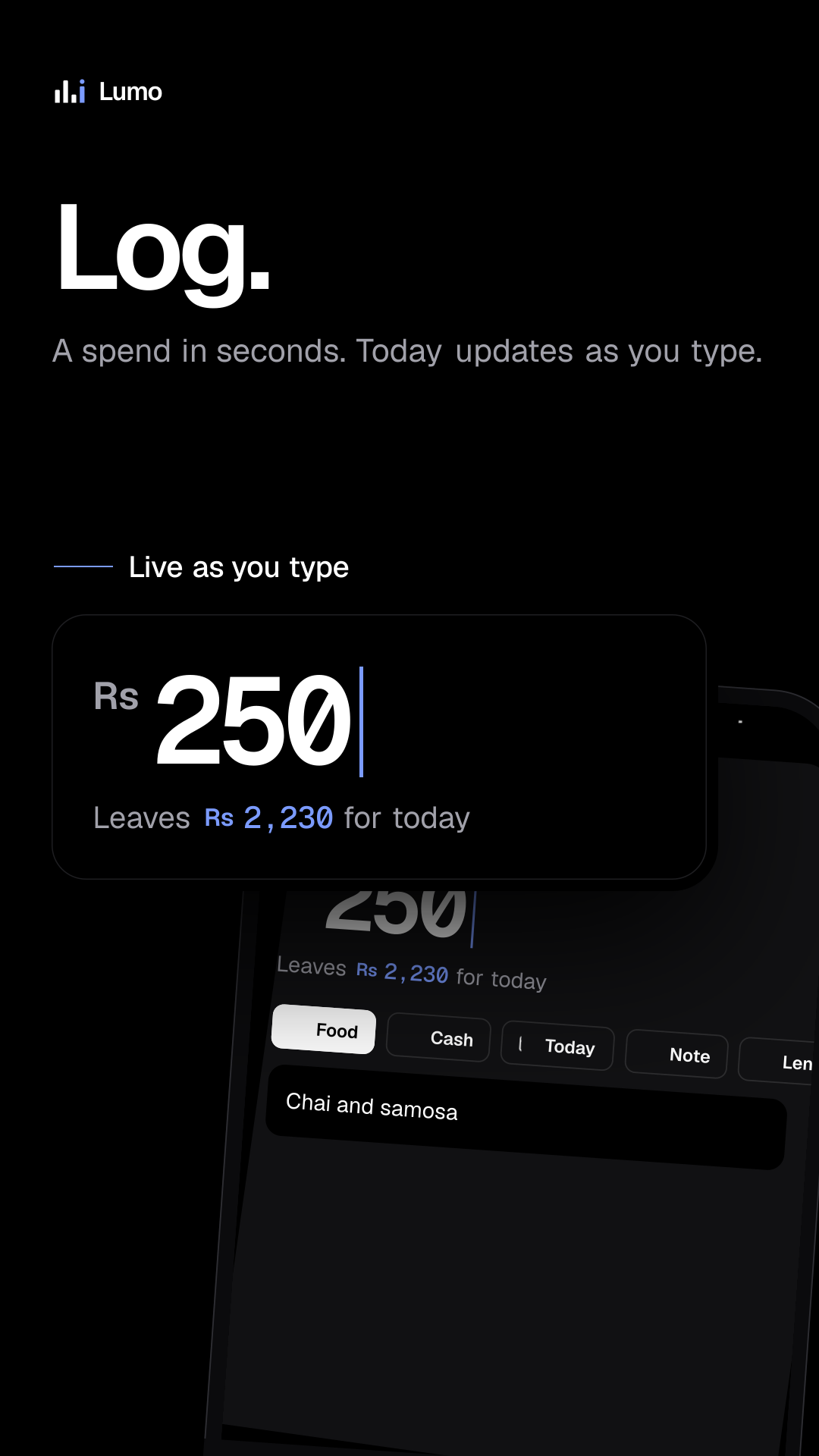
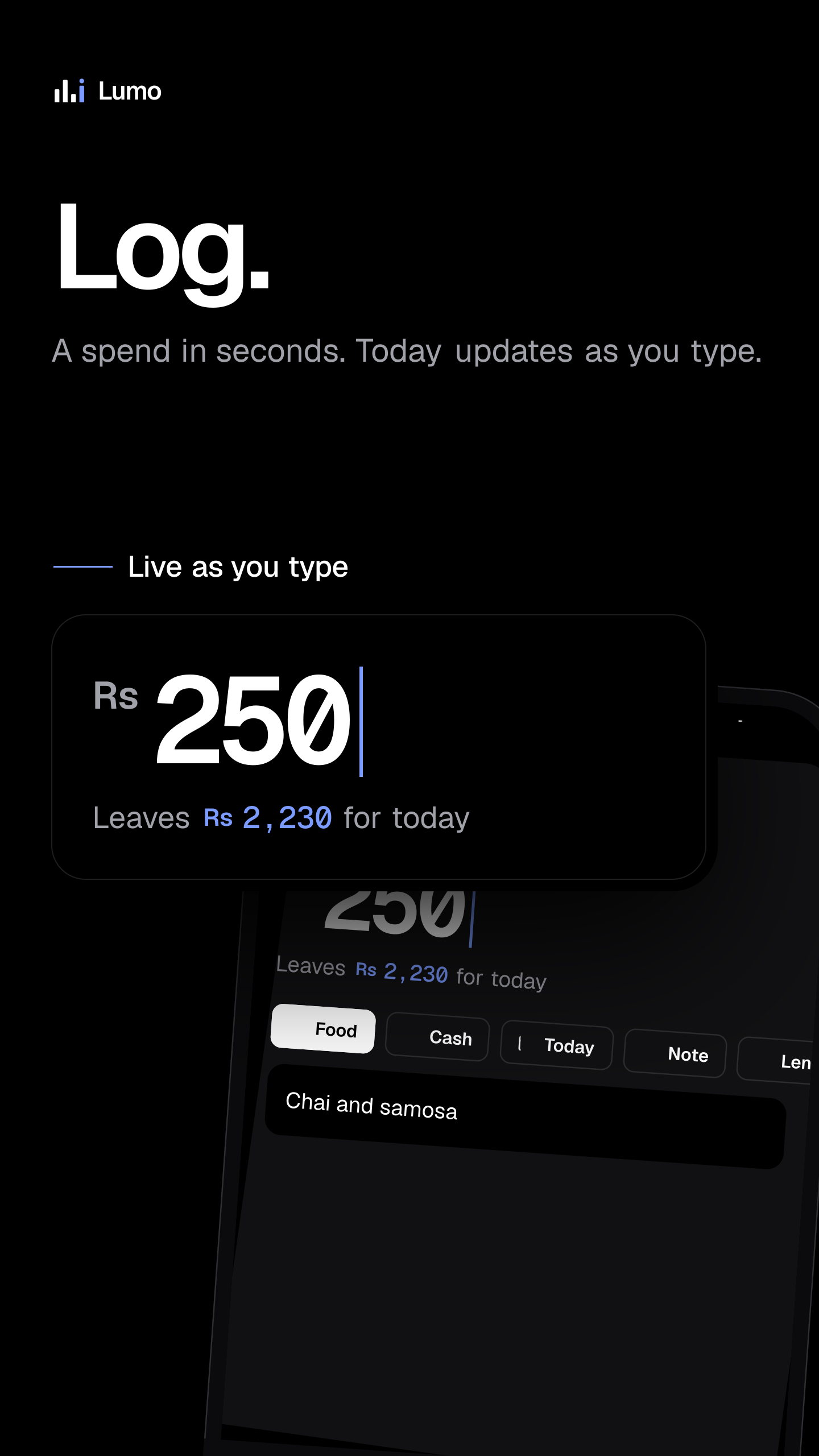
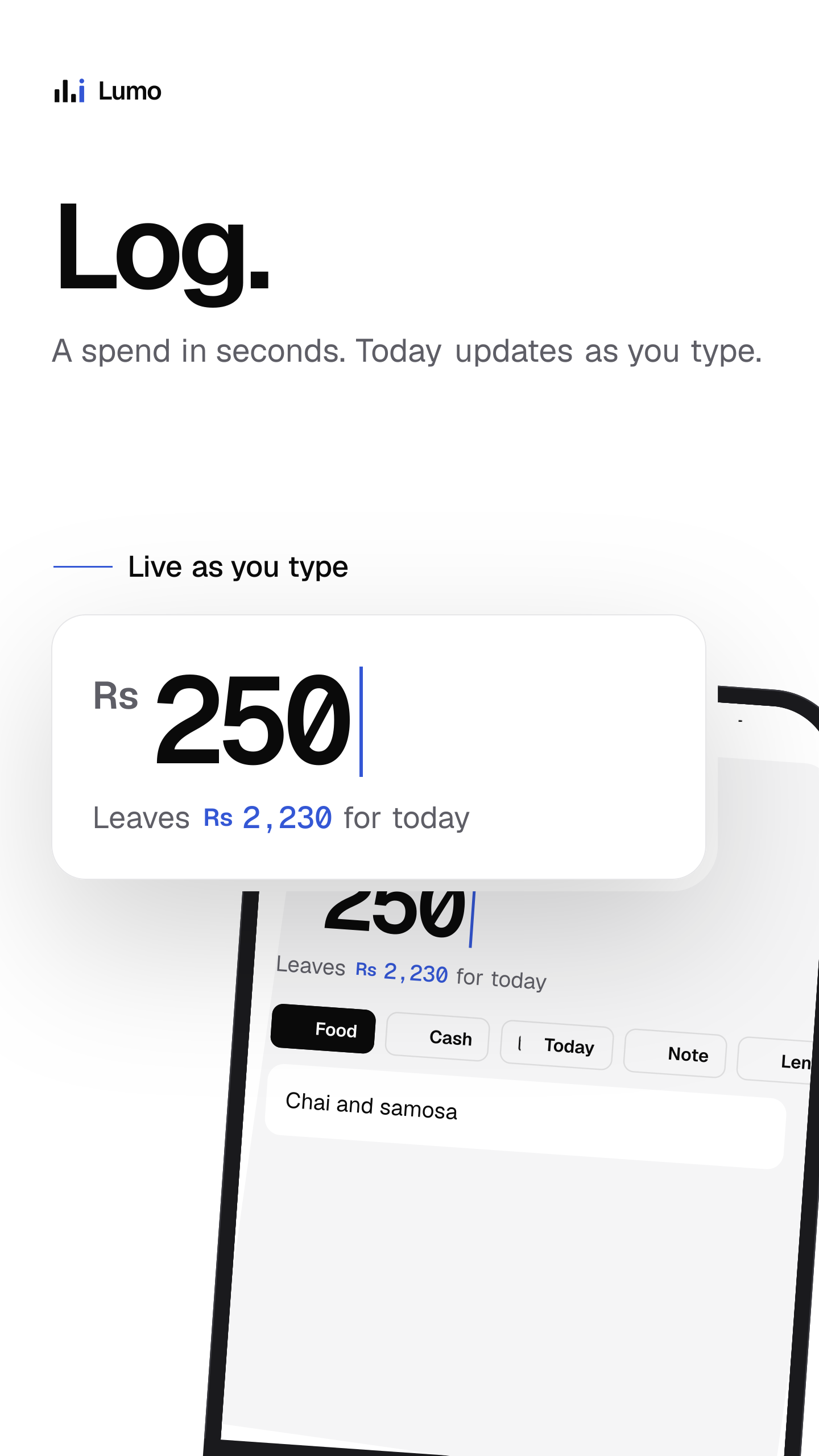
- Log. A spend in seconds. Today updates as you type.
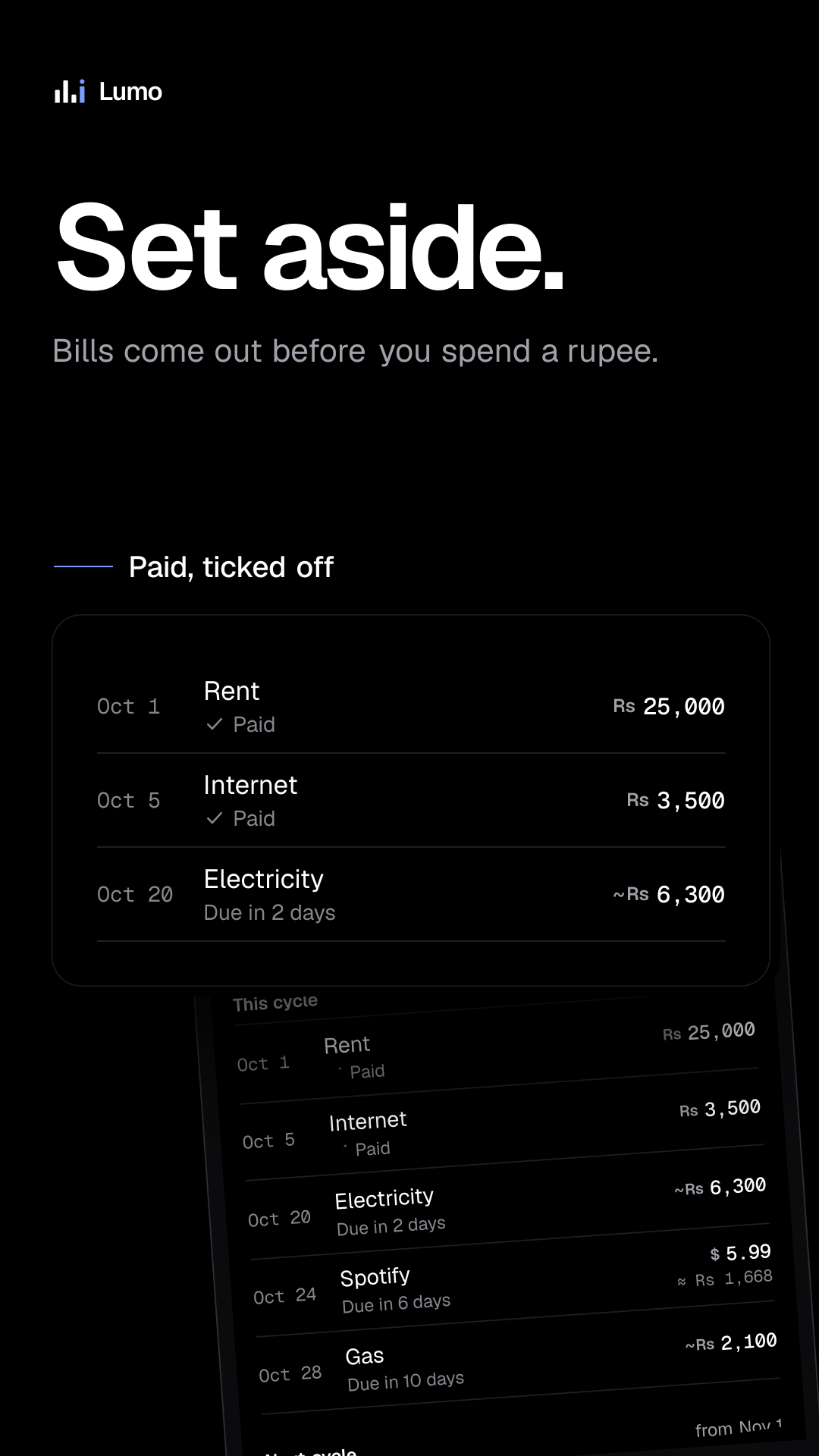
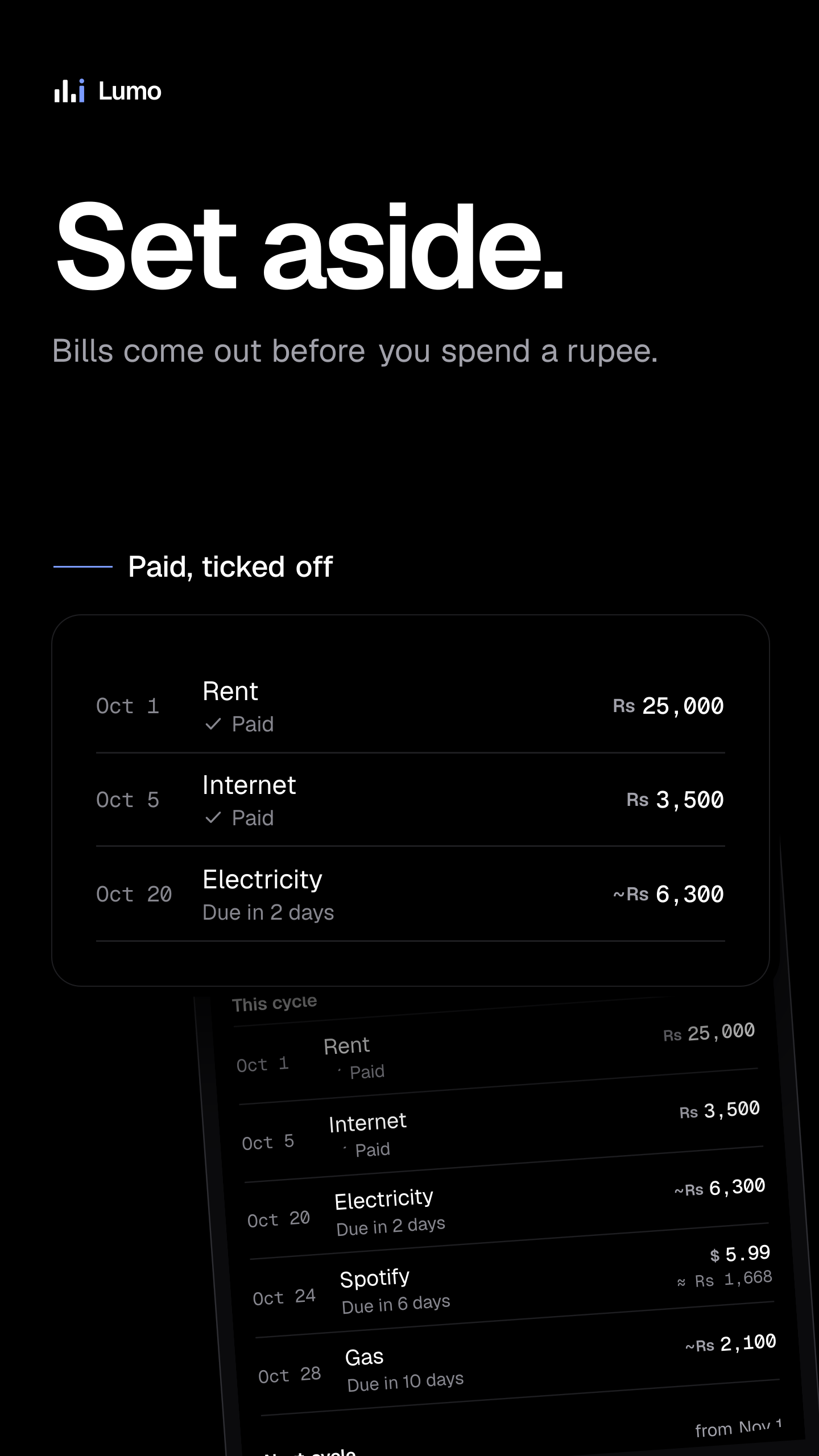
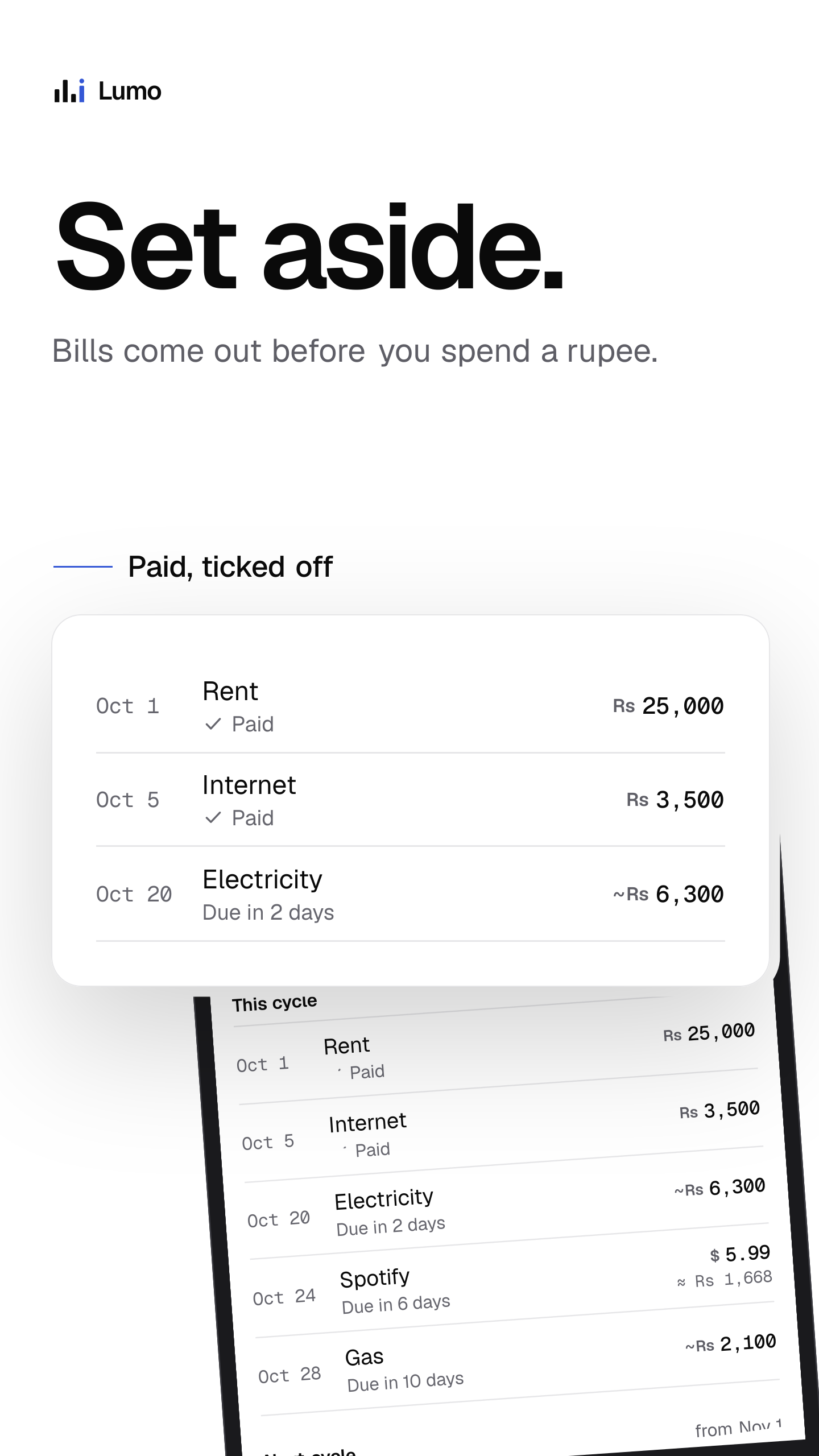
- Set aside. Bills come out before you spend a rupee.
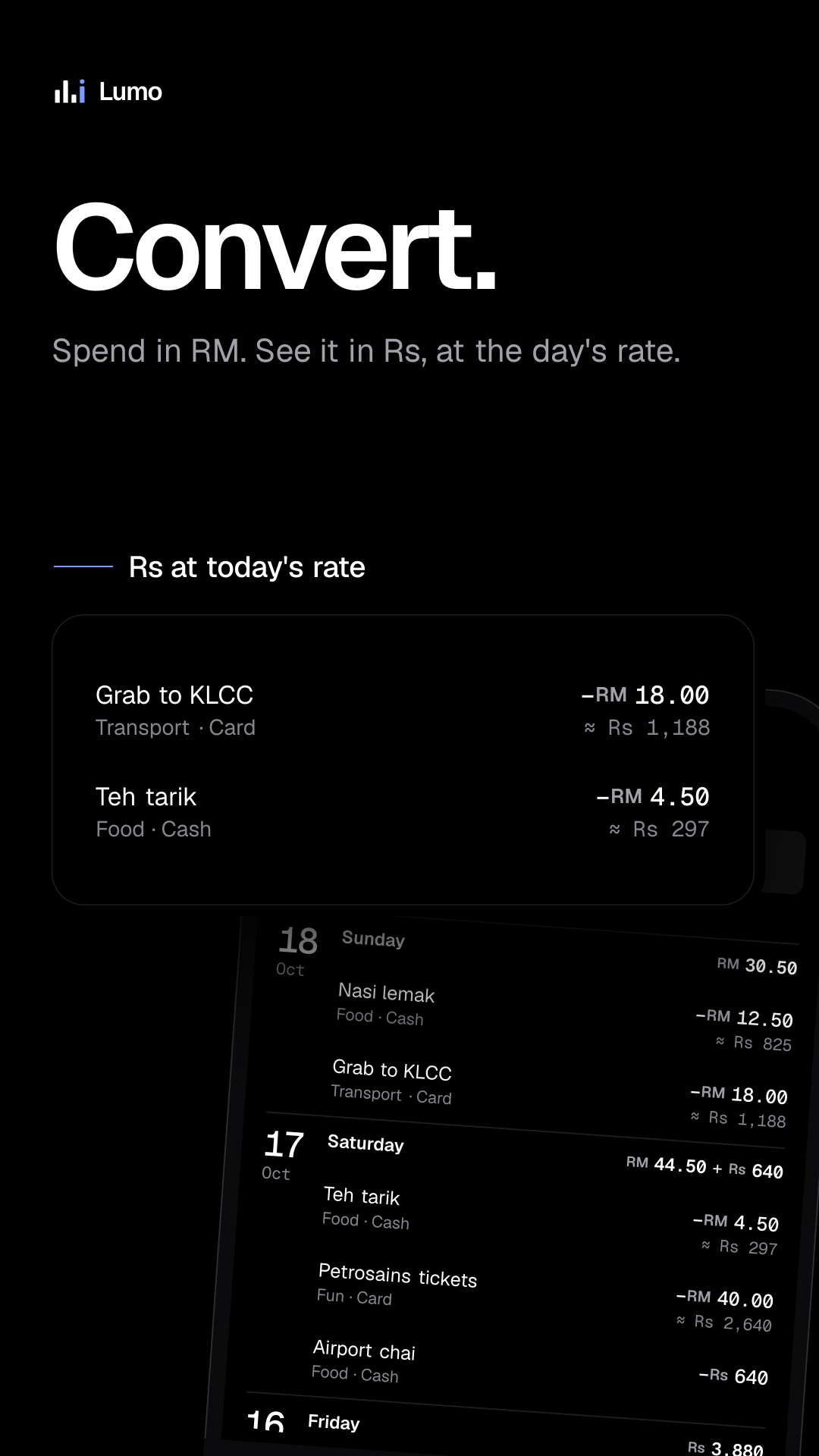
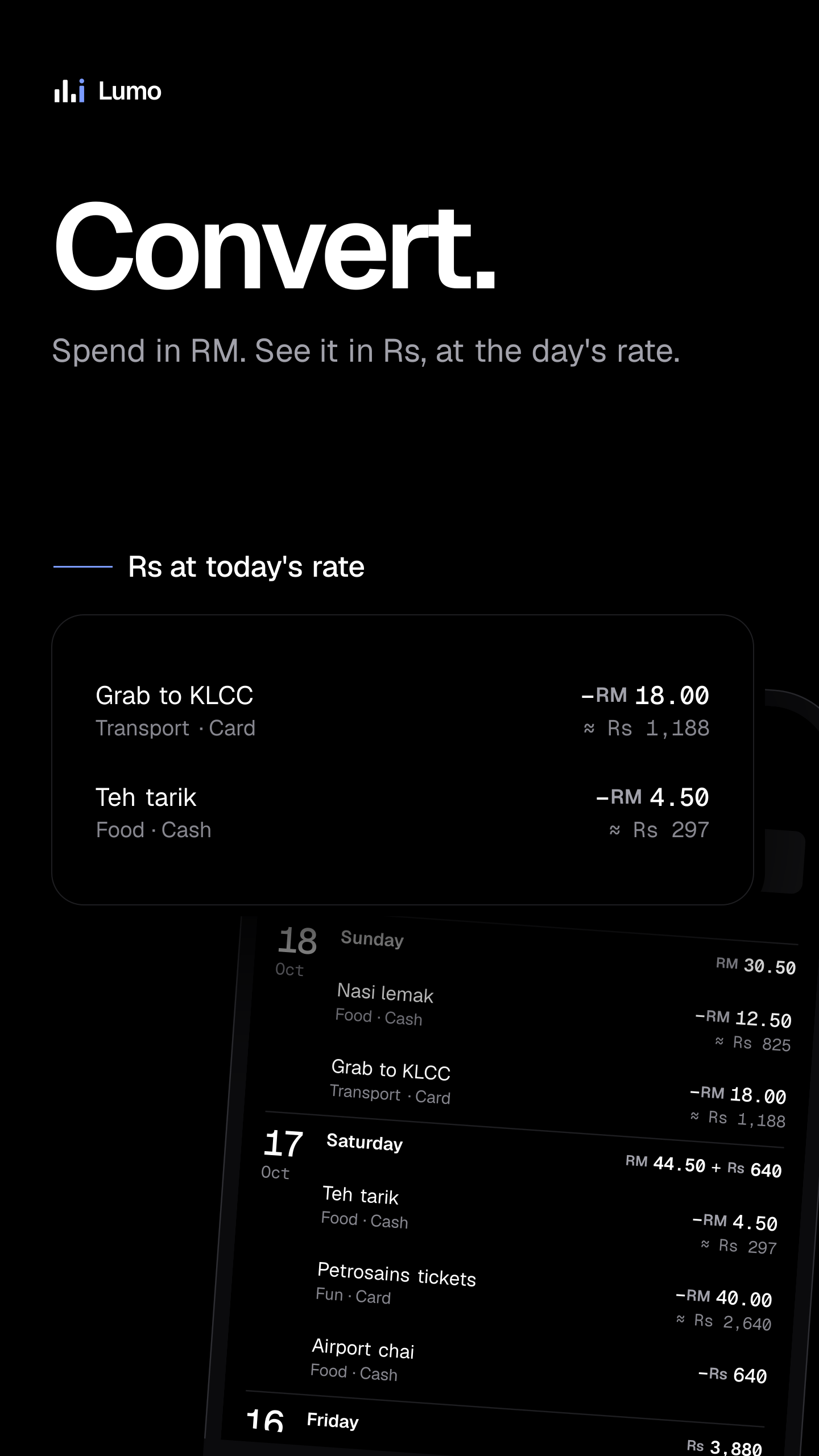
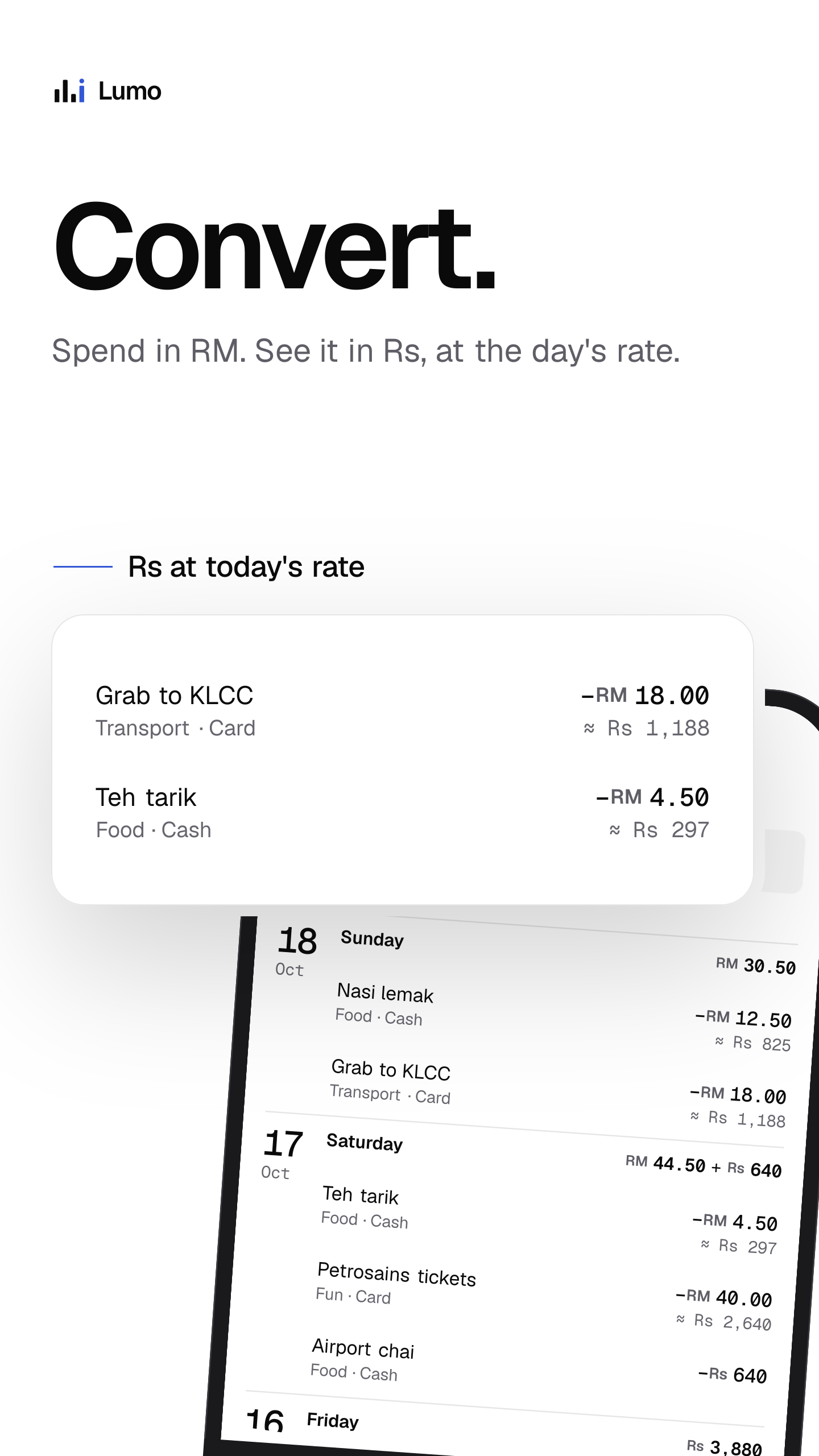
- Convert. Spend in RM. See it in Rs, at the day's rate.
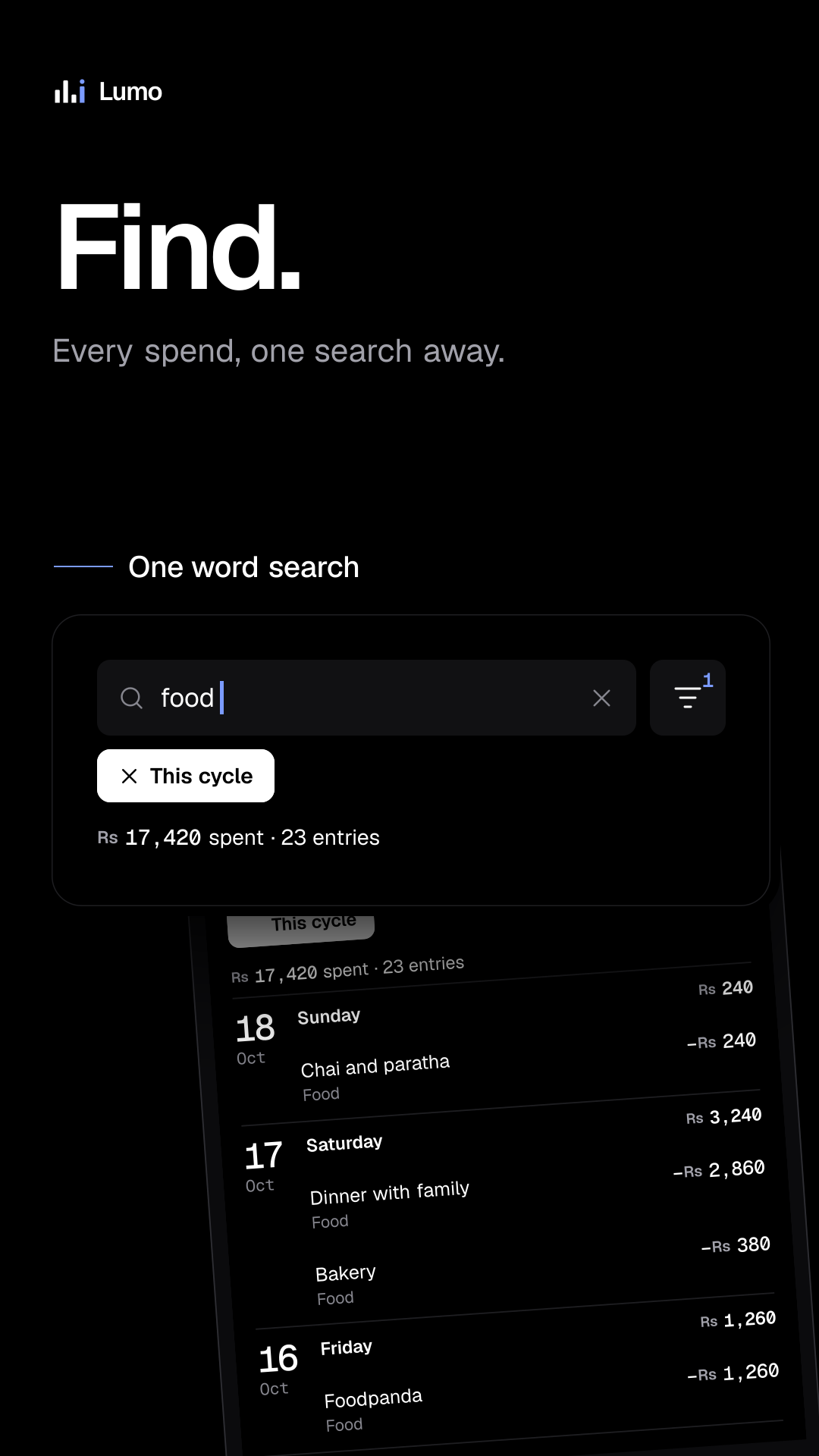
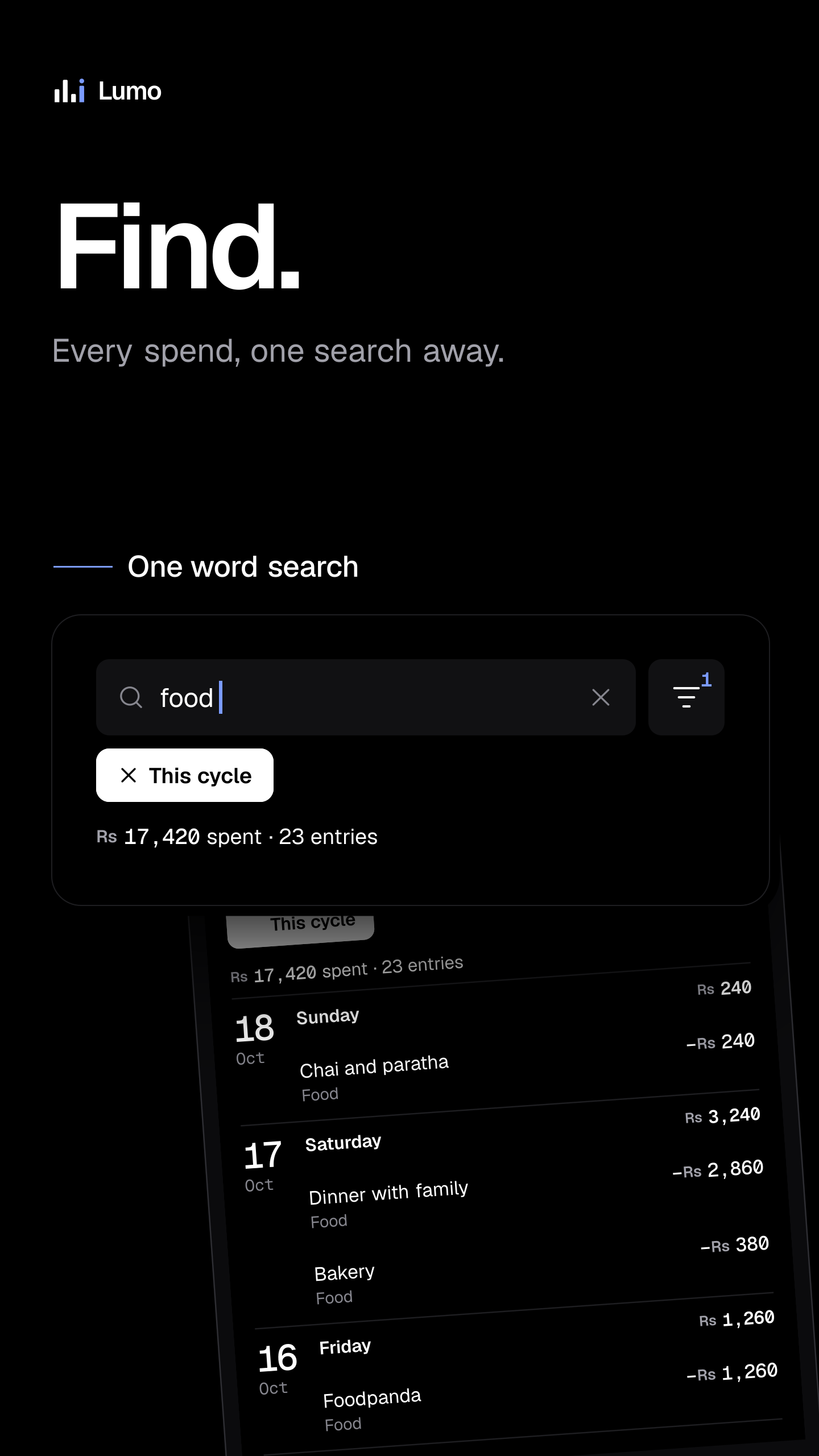
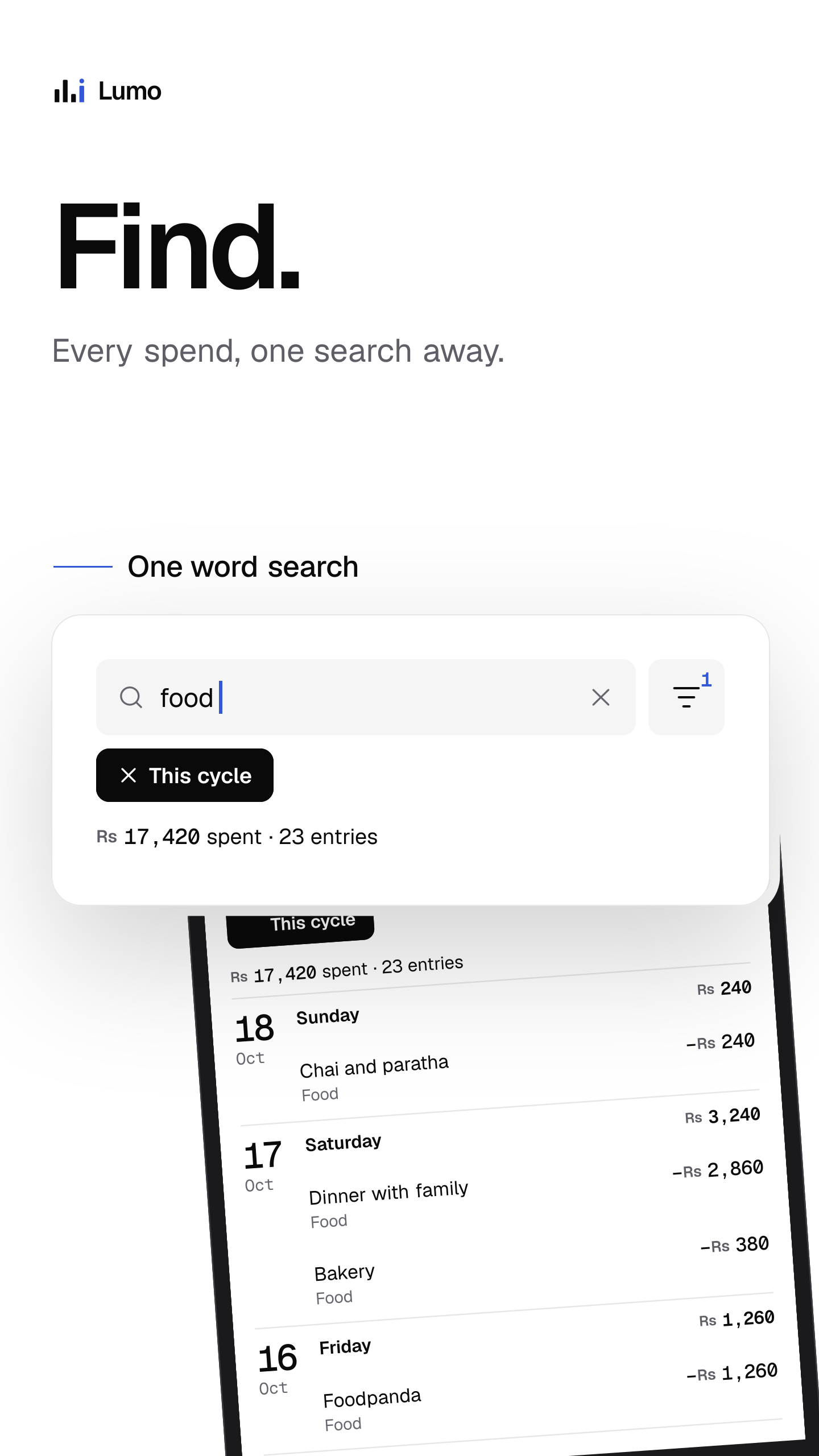
- Find. Every spend, one search away.
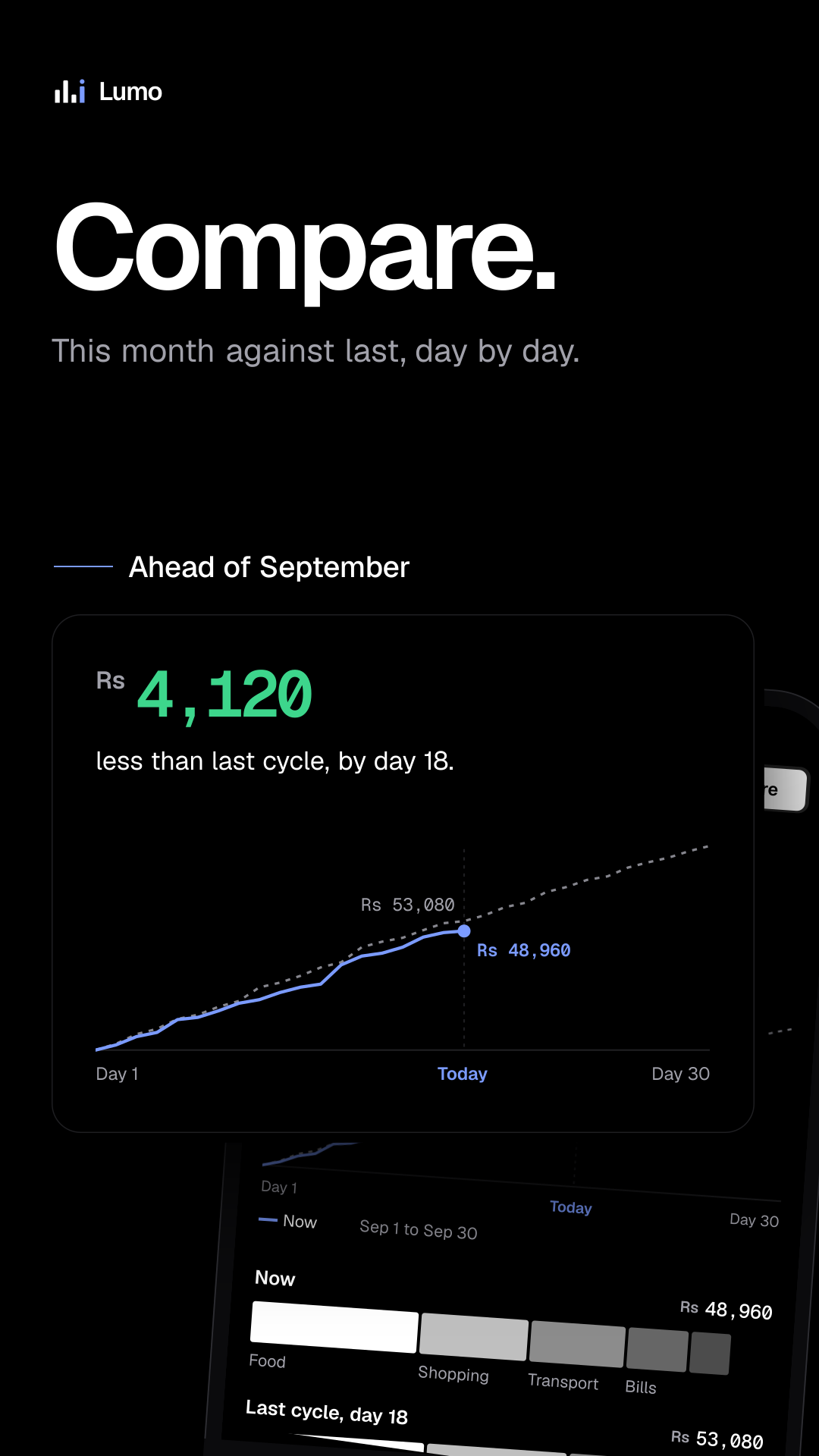
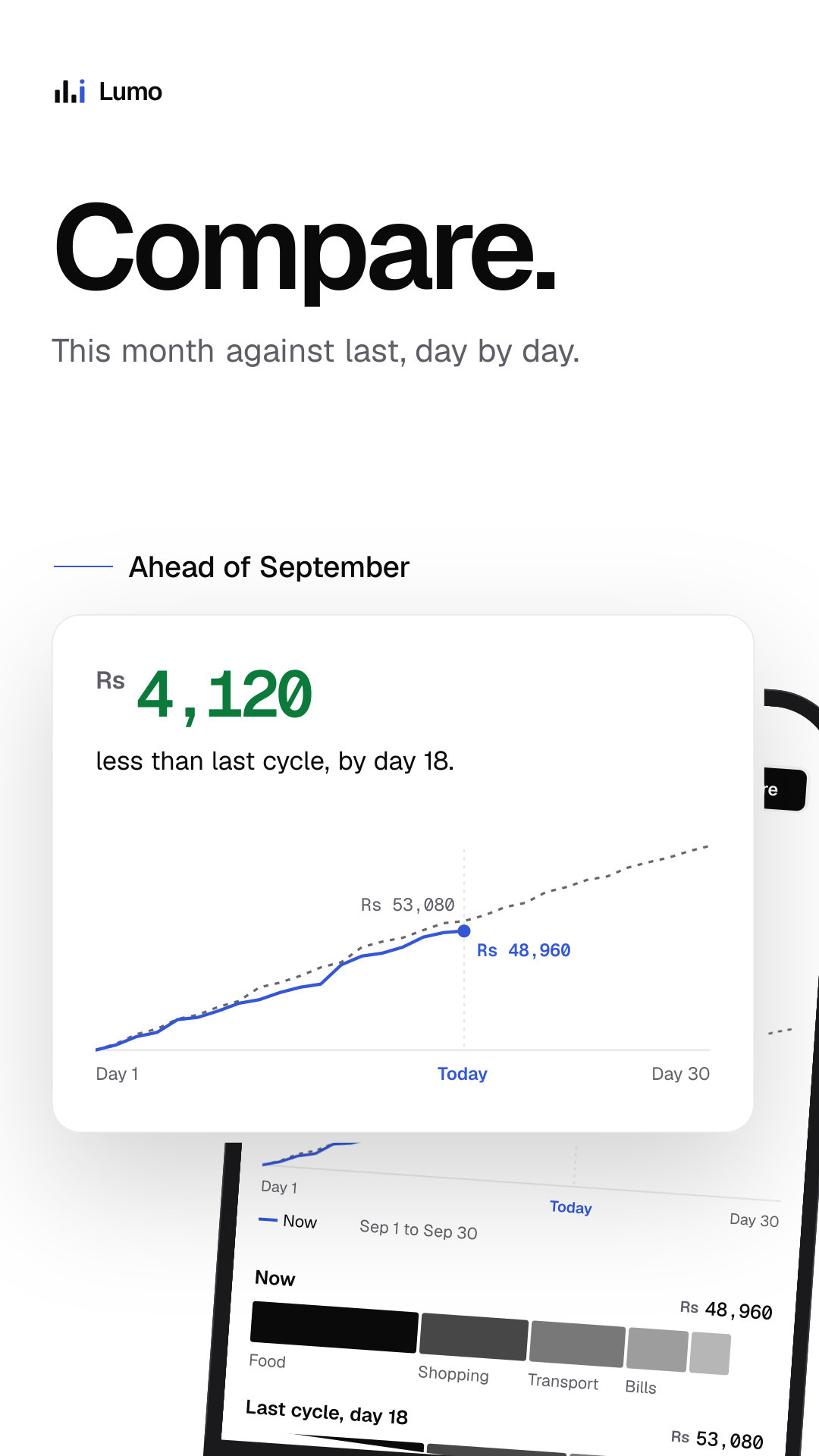
- Compare. This month against last, day by day.
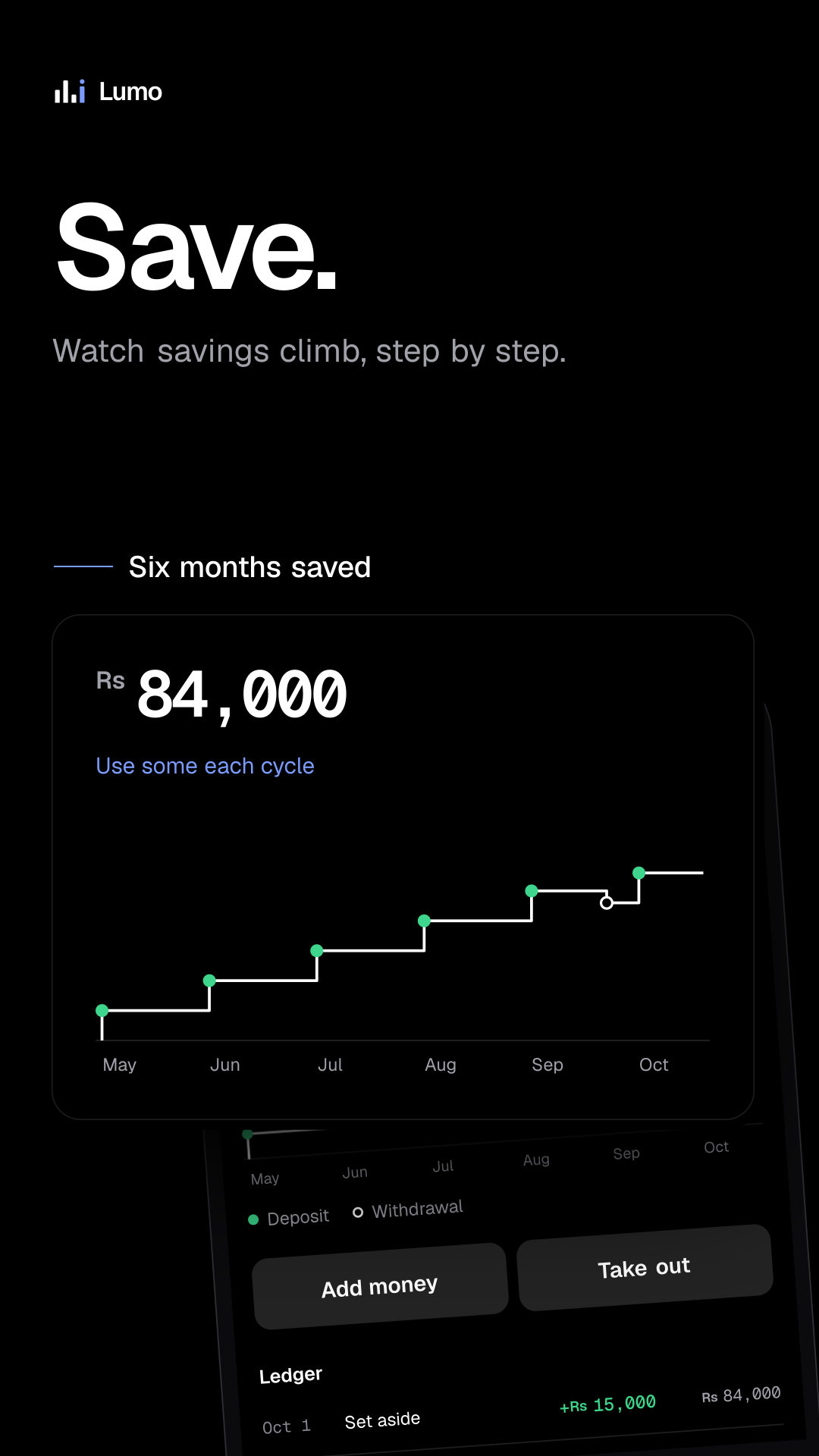
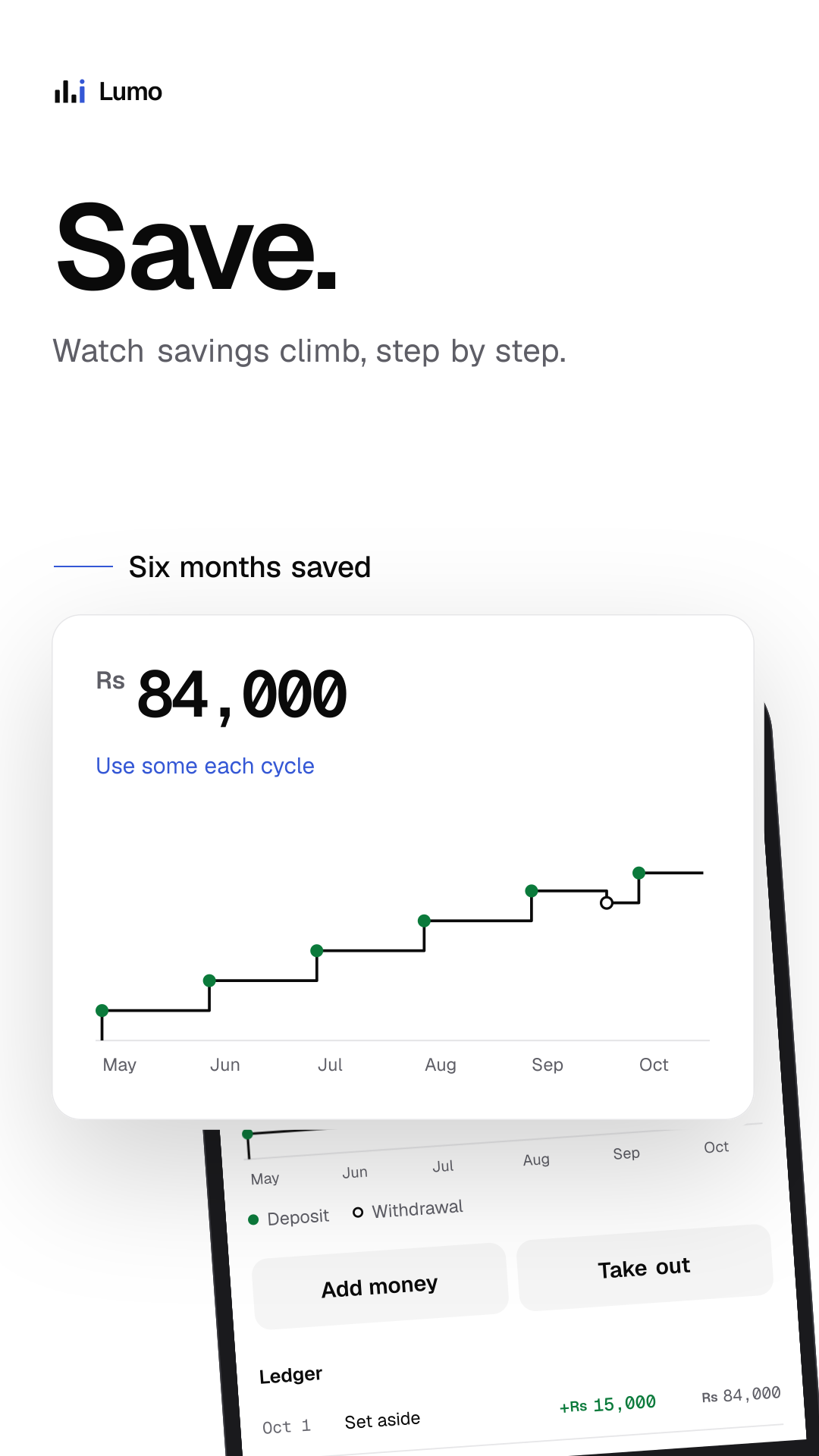
- Save. Watch savings climb, step by step.
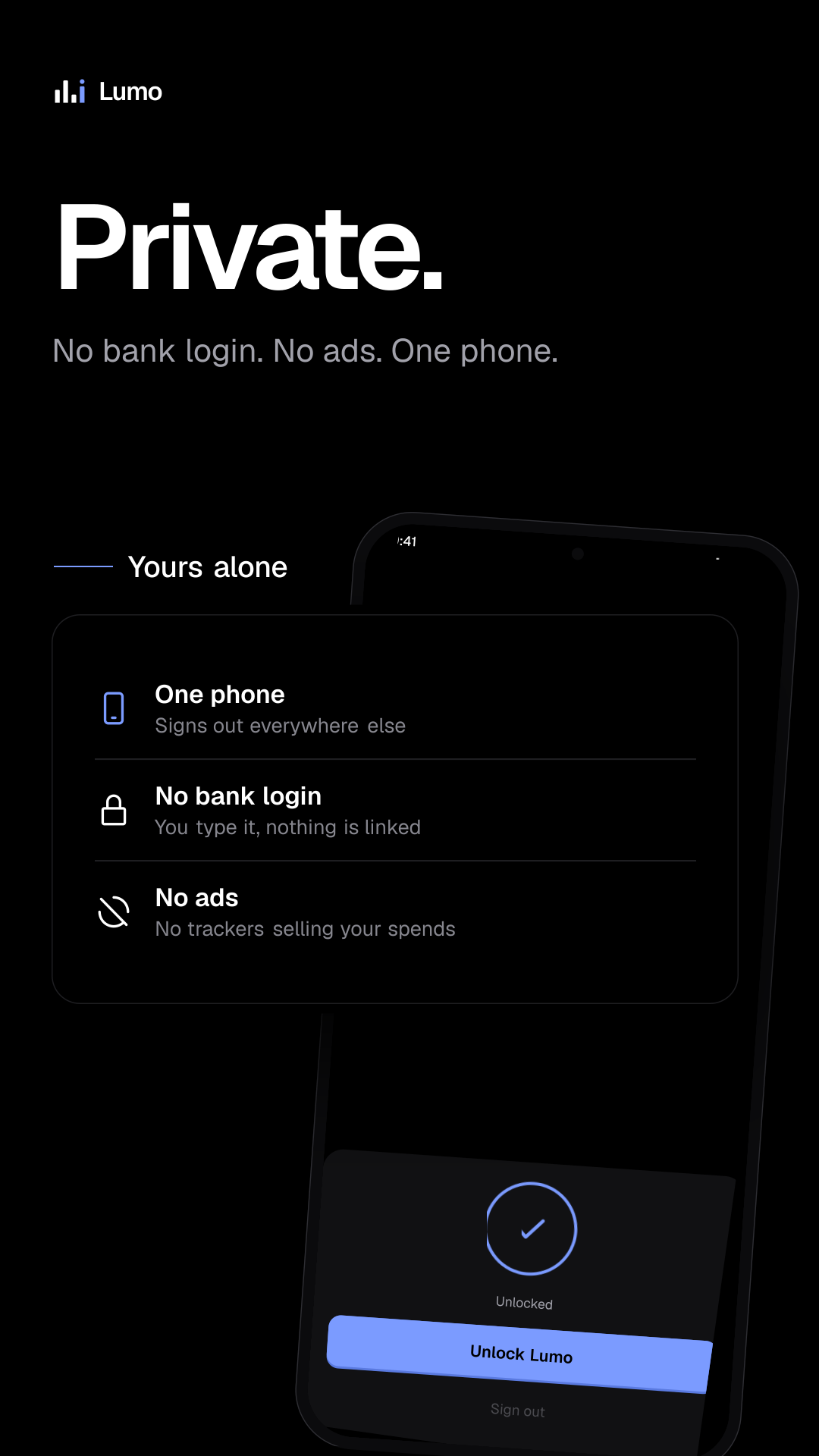
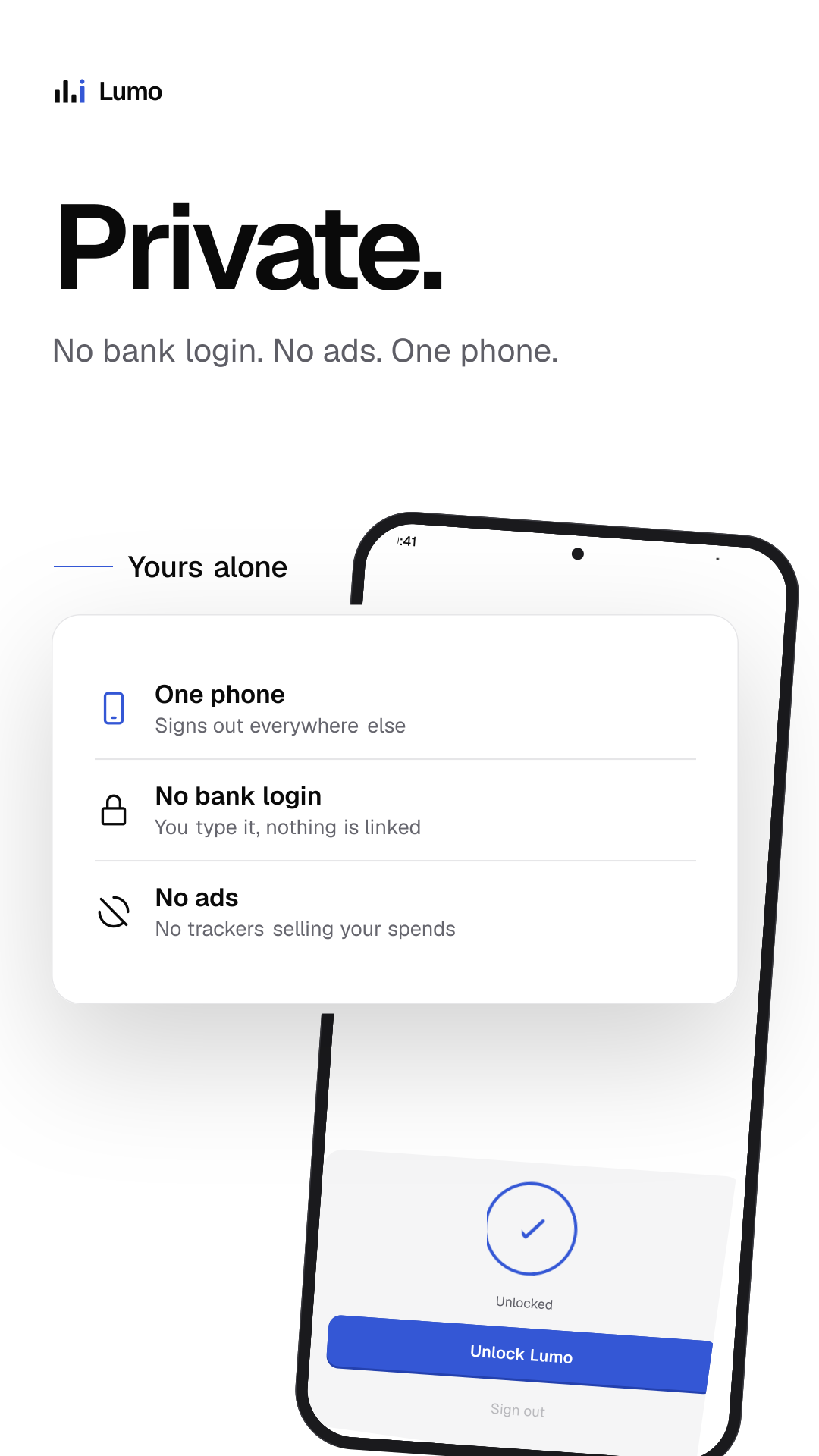
- Private. No bank login. No ads. One phone.
- Know. What you can spend today, in one number. (light)
- Log. A spend in seconds. Today updates as you type. (light)
- Set aside. Bills come out before you spend a rupee. (light)
- Convert. Spend in RM. See it in Rs, at the day's rate. (light)
- Find. Every spend, one search away. (light)
- Compare. This month against last, day by day. (light)
- Save. Watch savings climb, step by step. (light)
- Private. No bank login. No ads. One phone. (light)
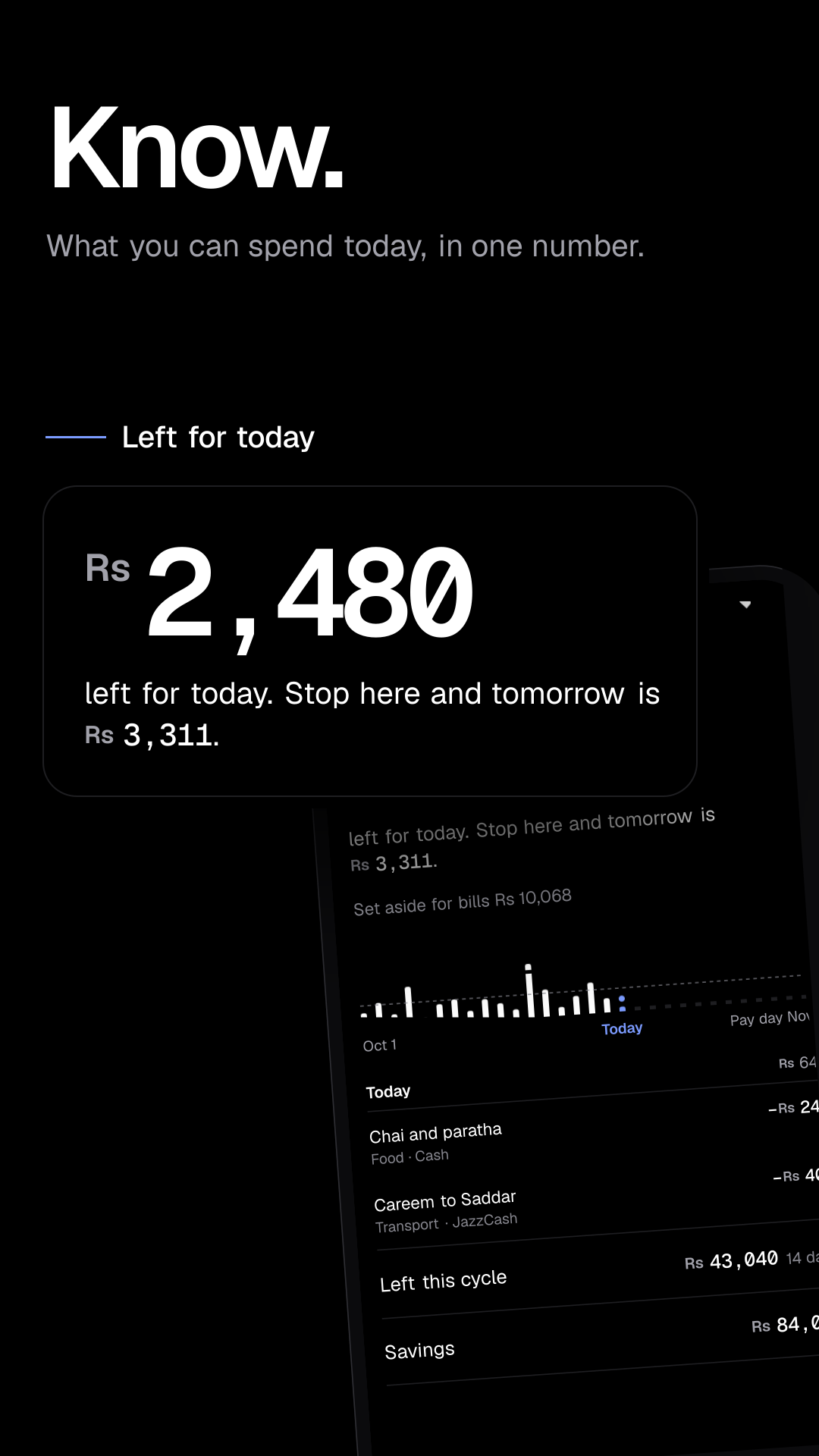
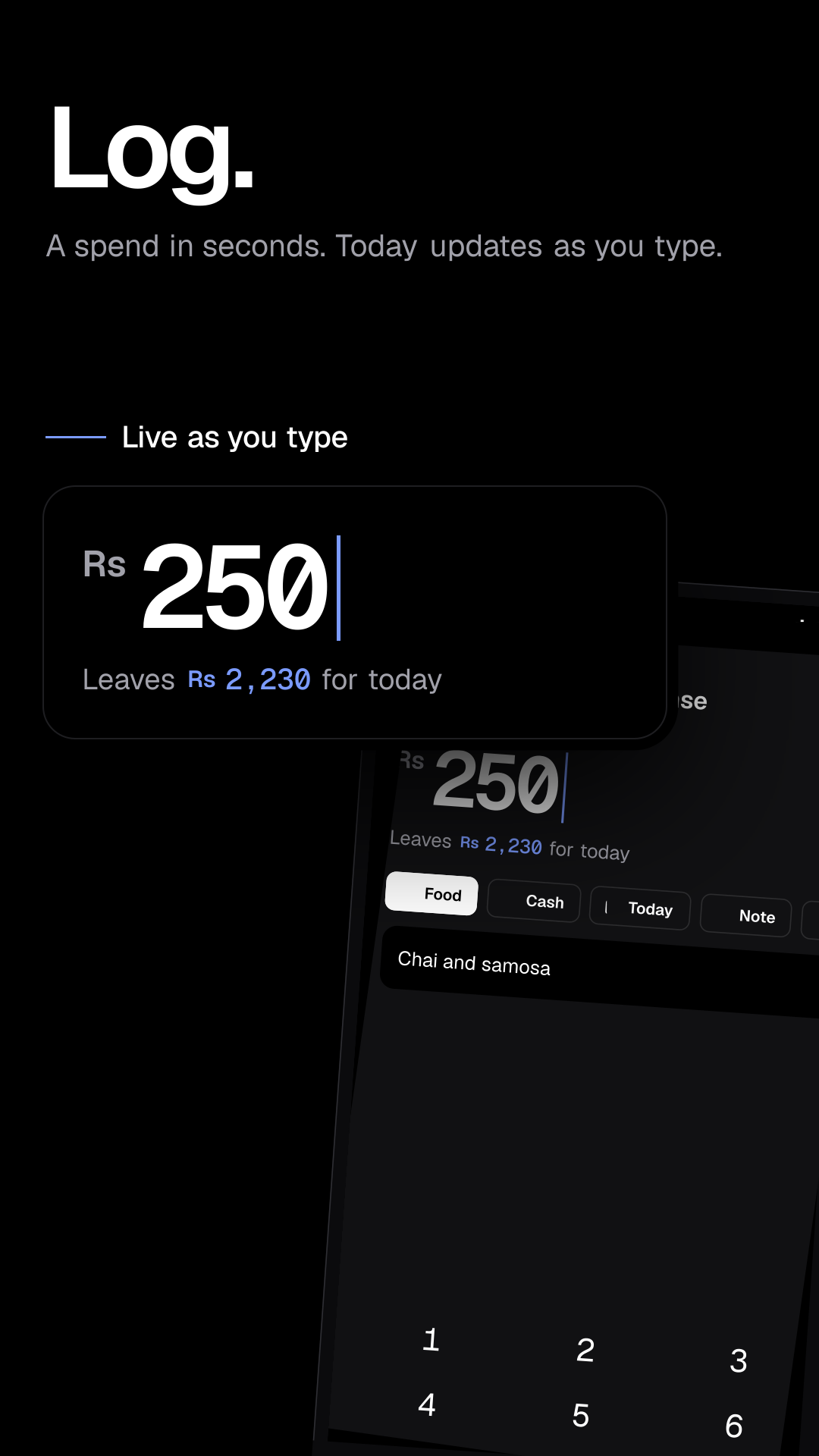
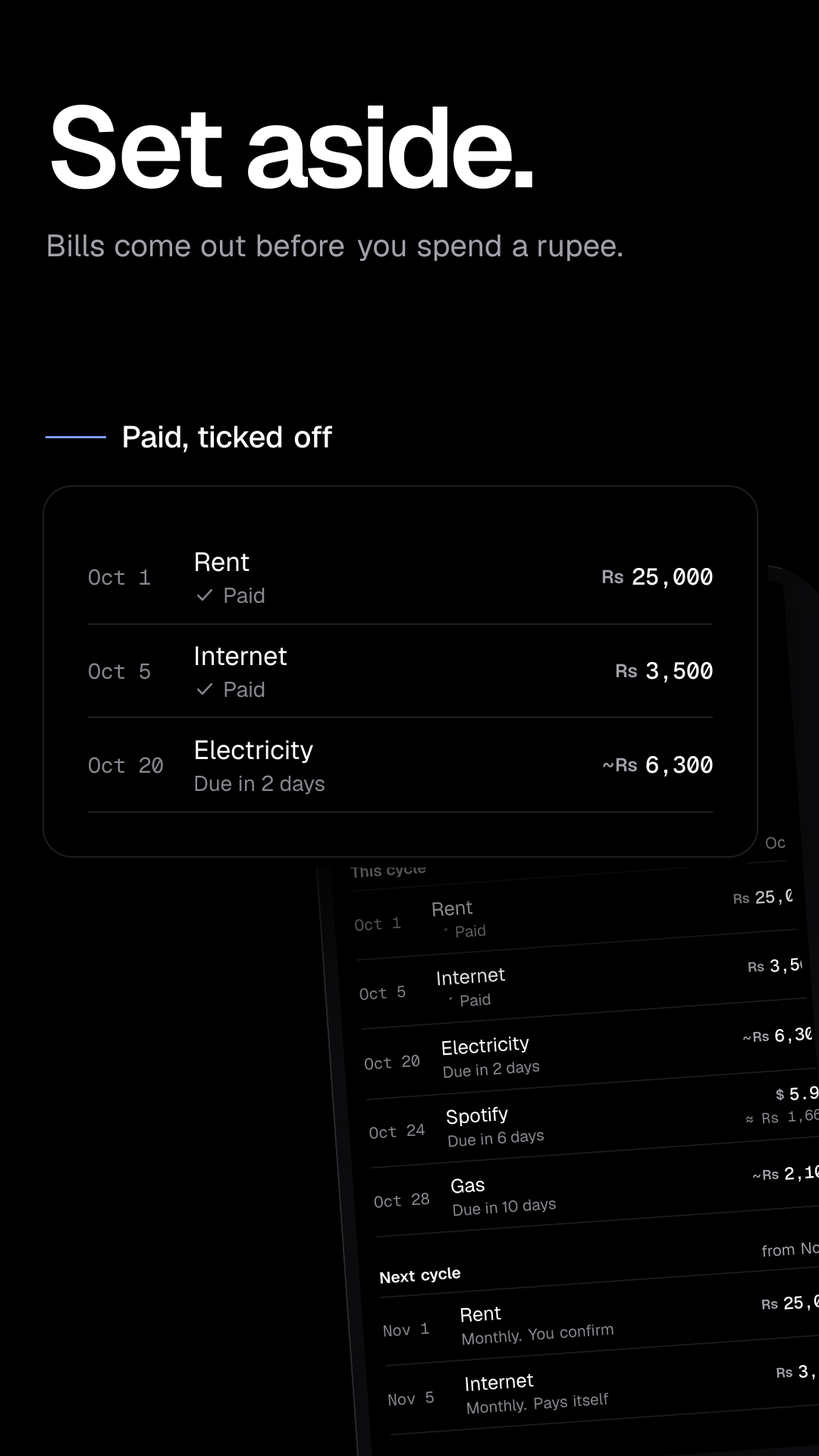
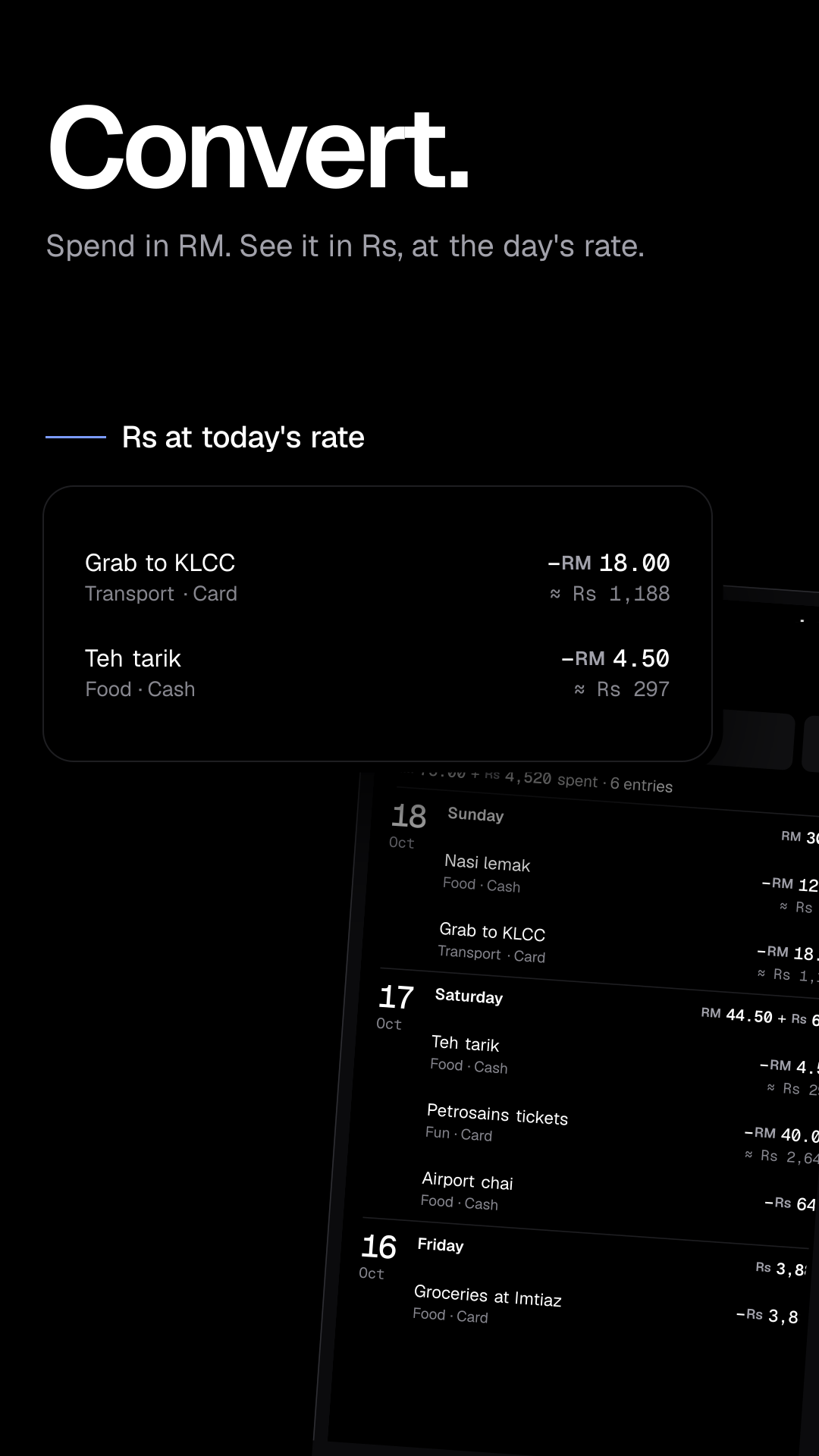
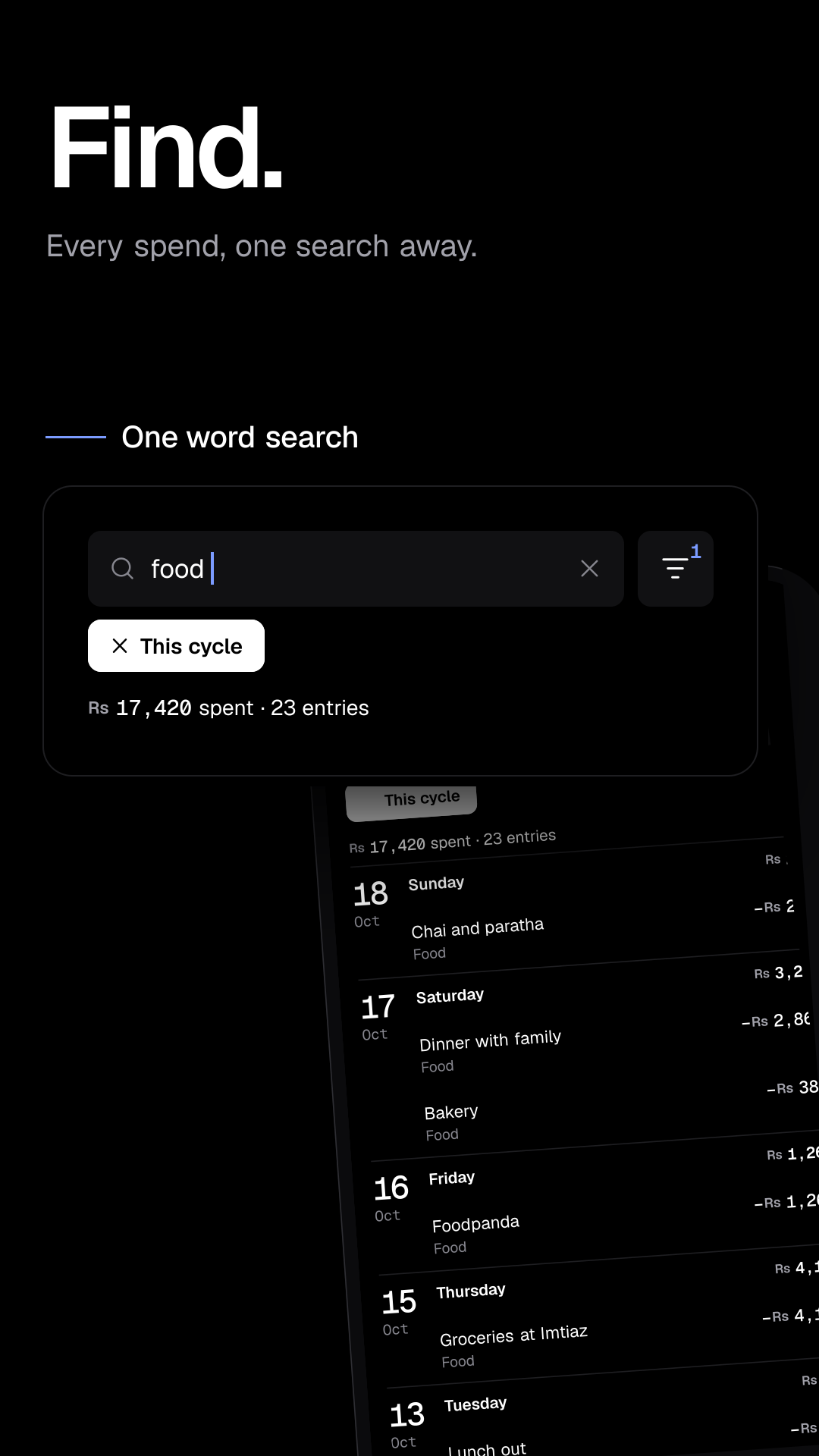
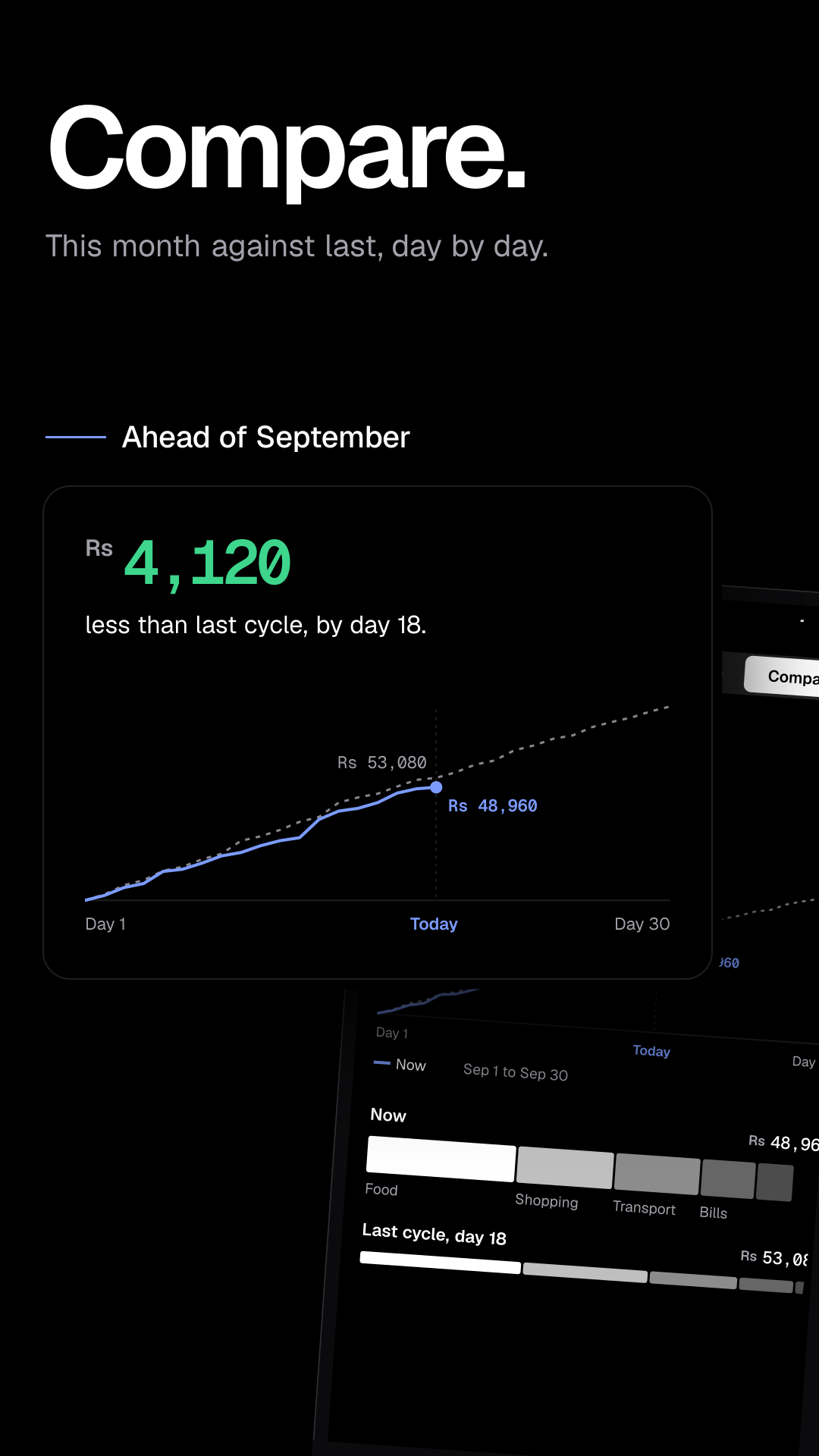
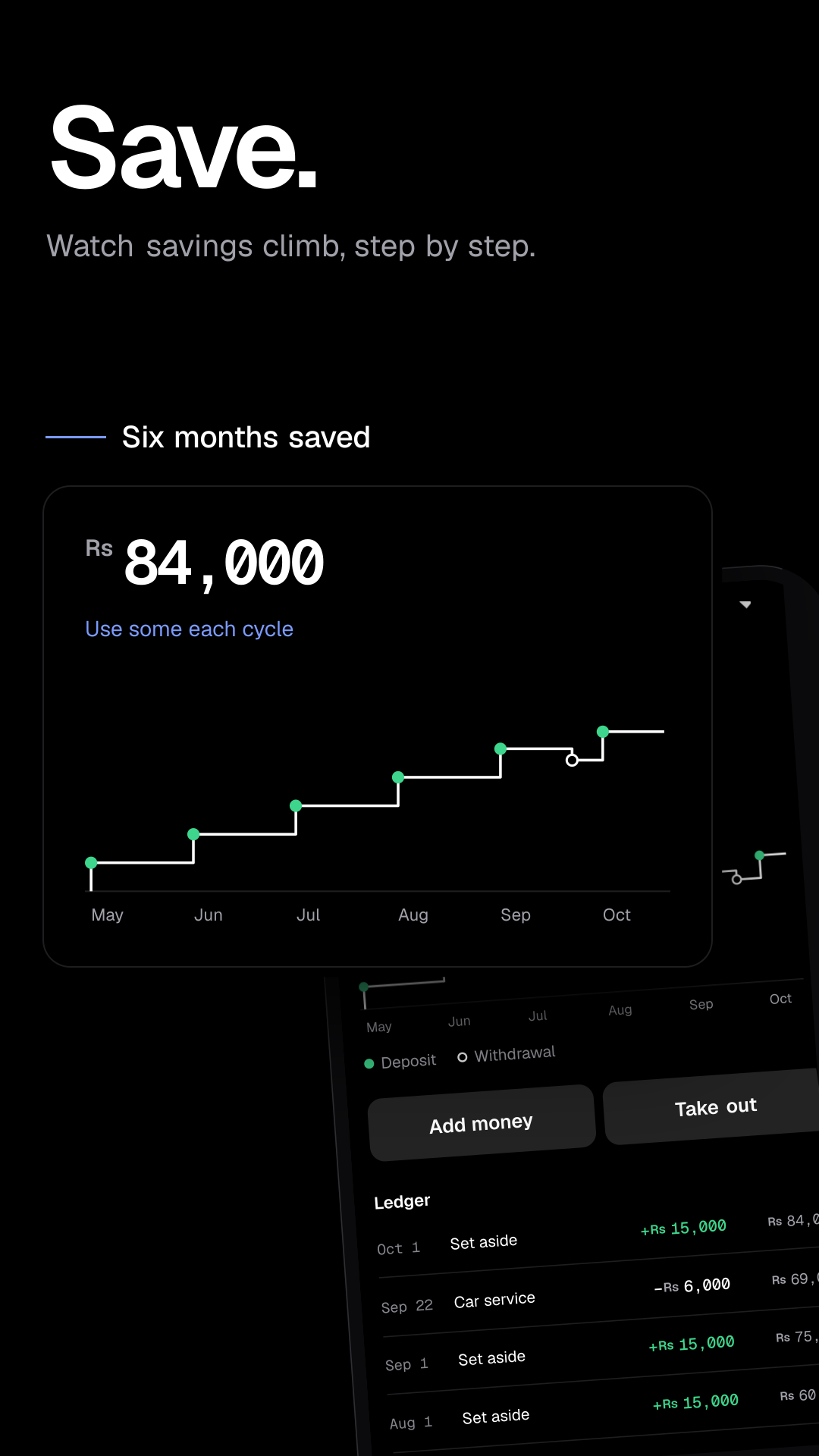
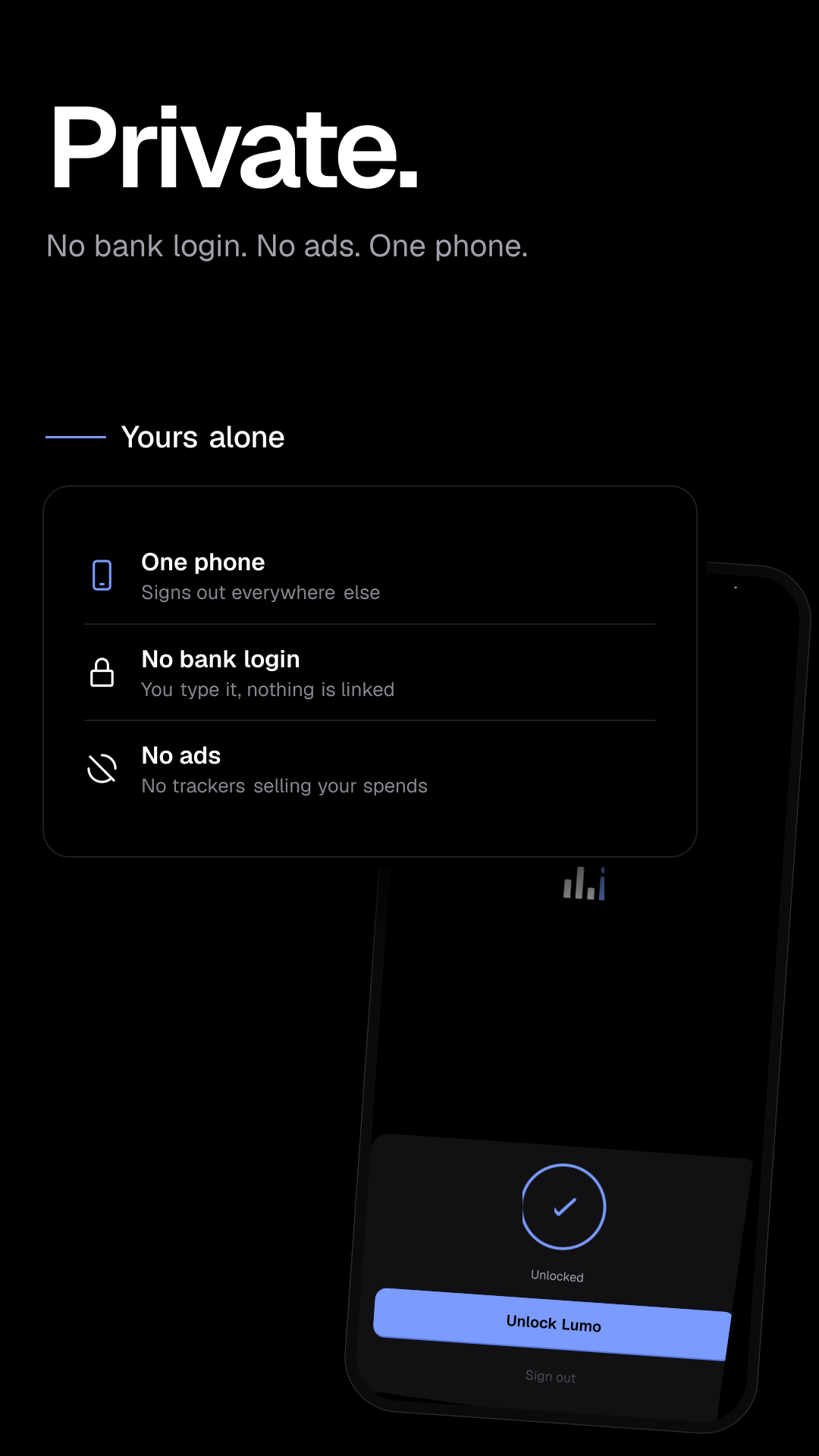
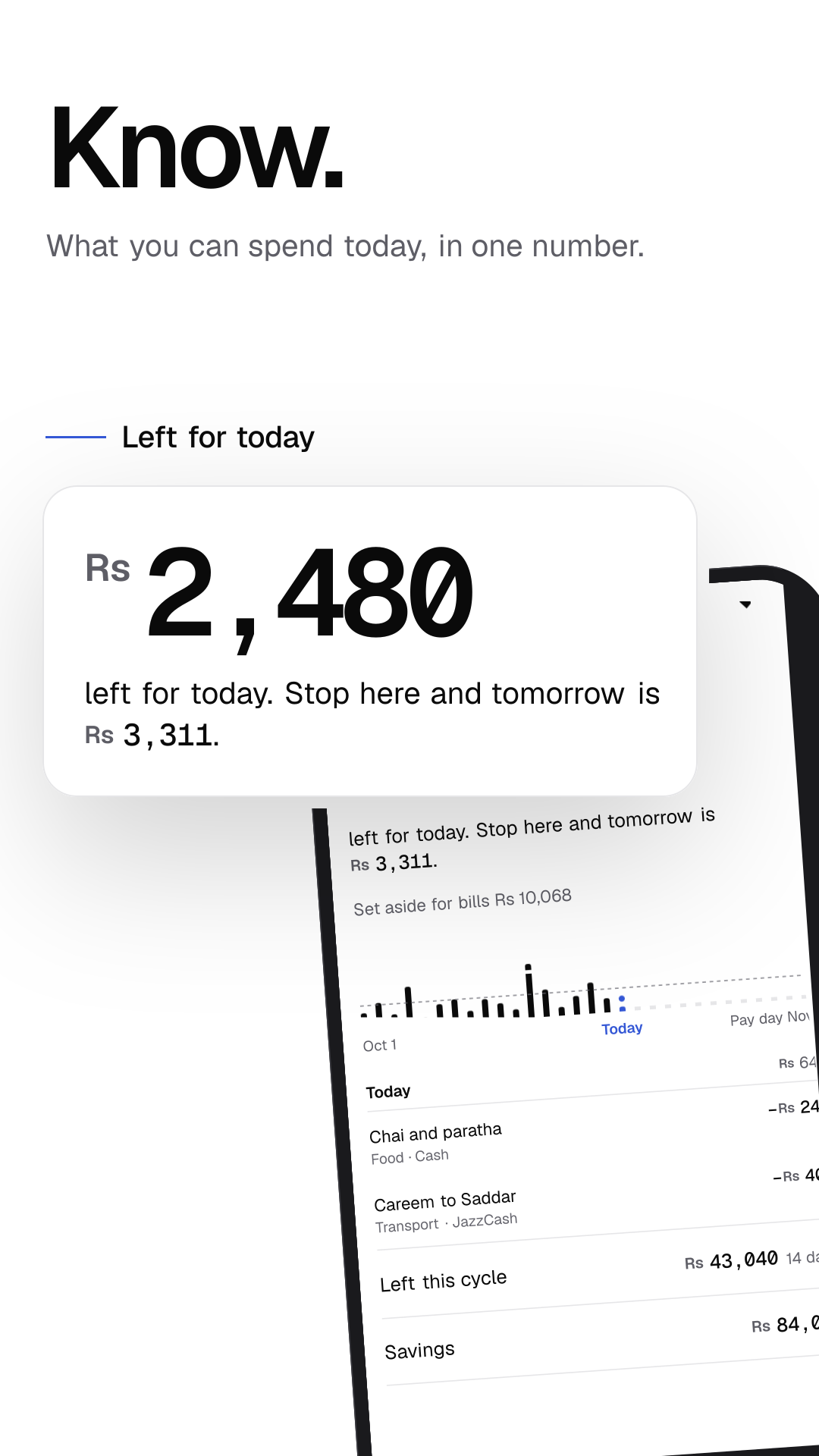
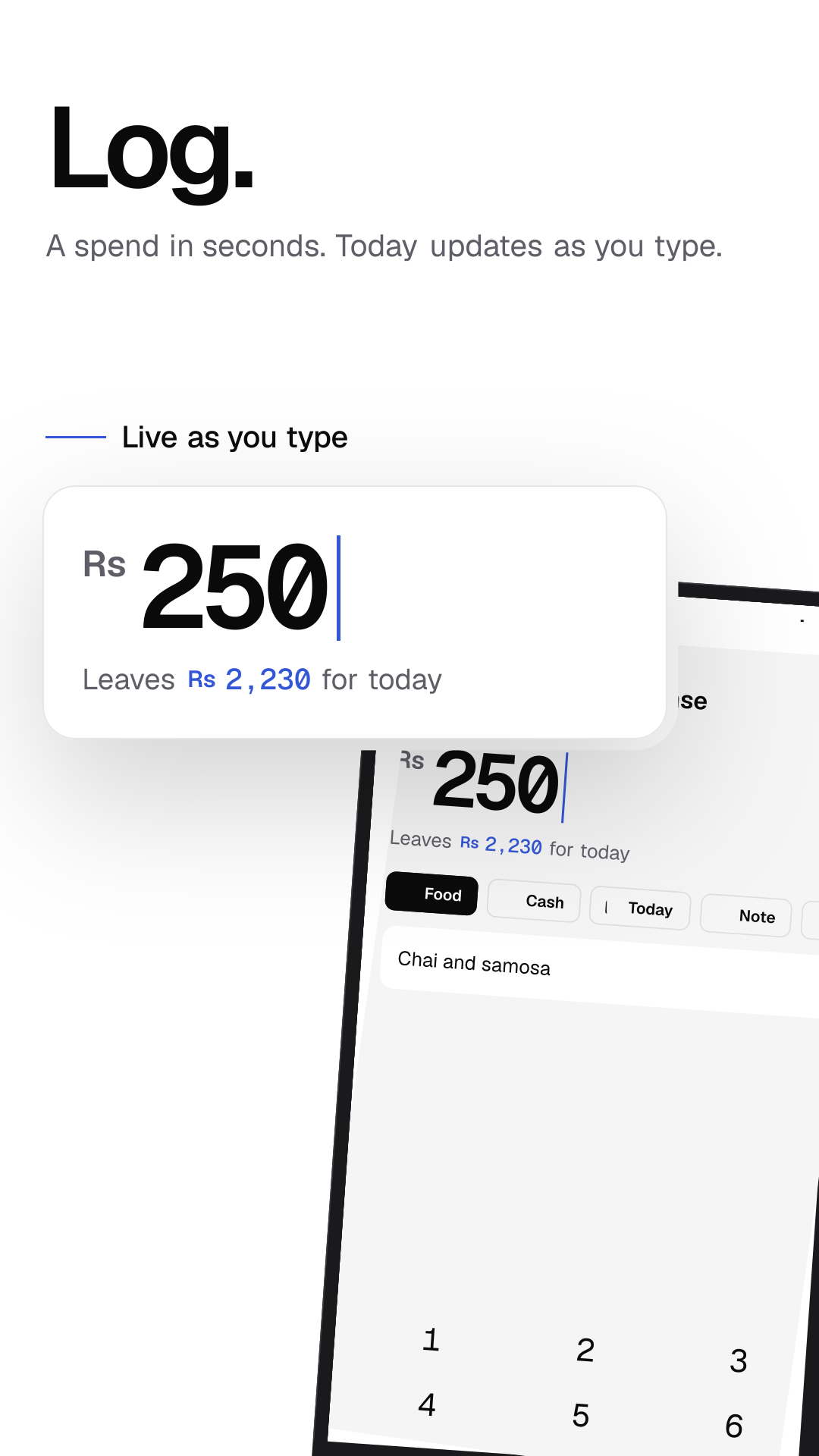
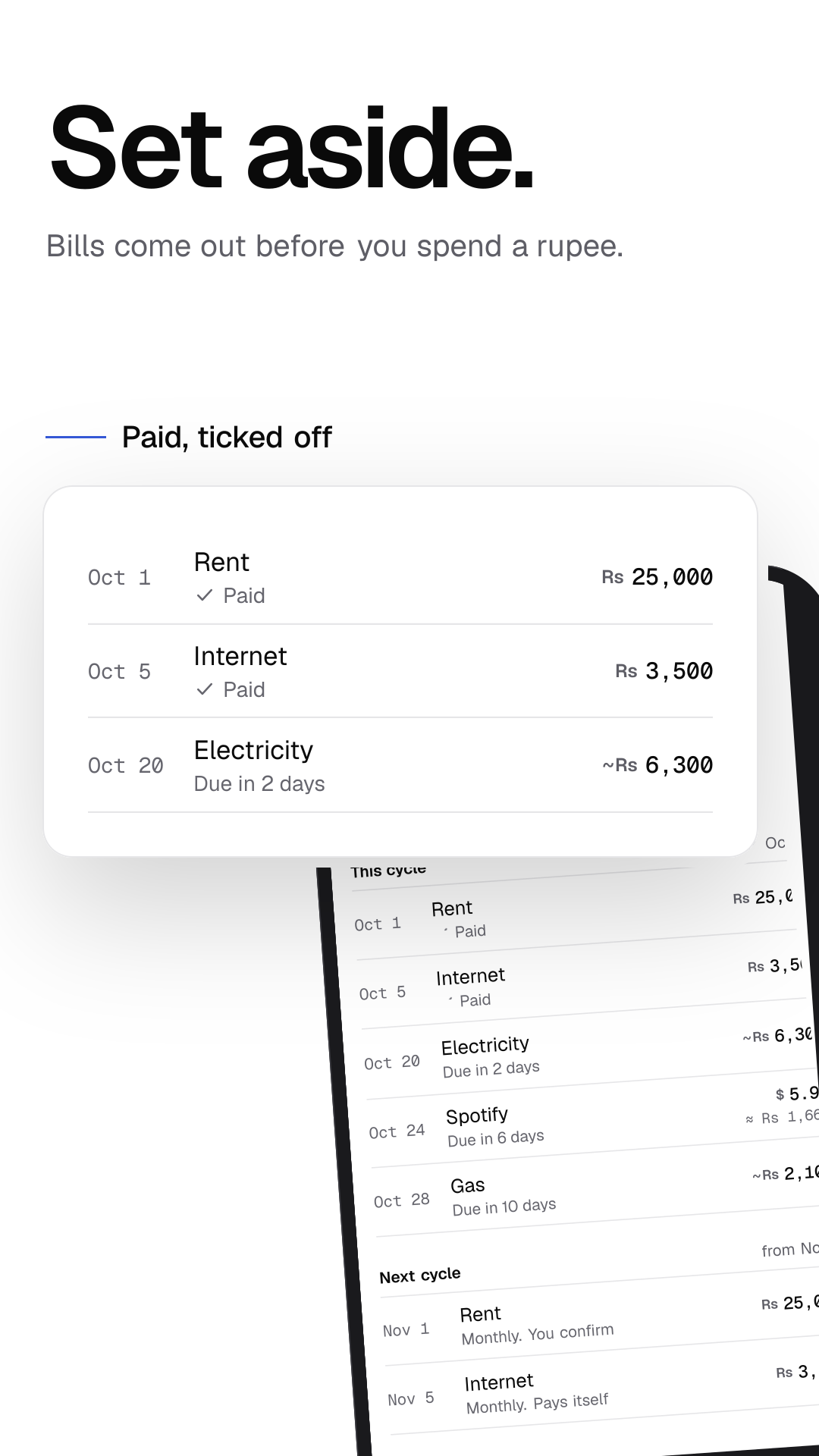
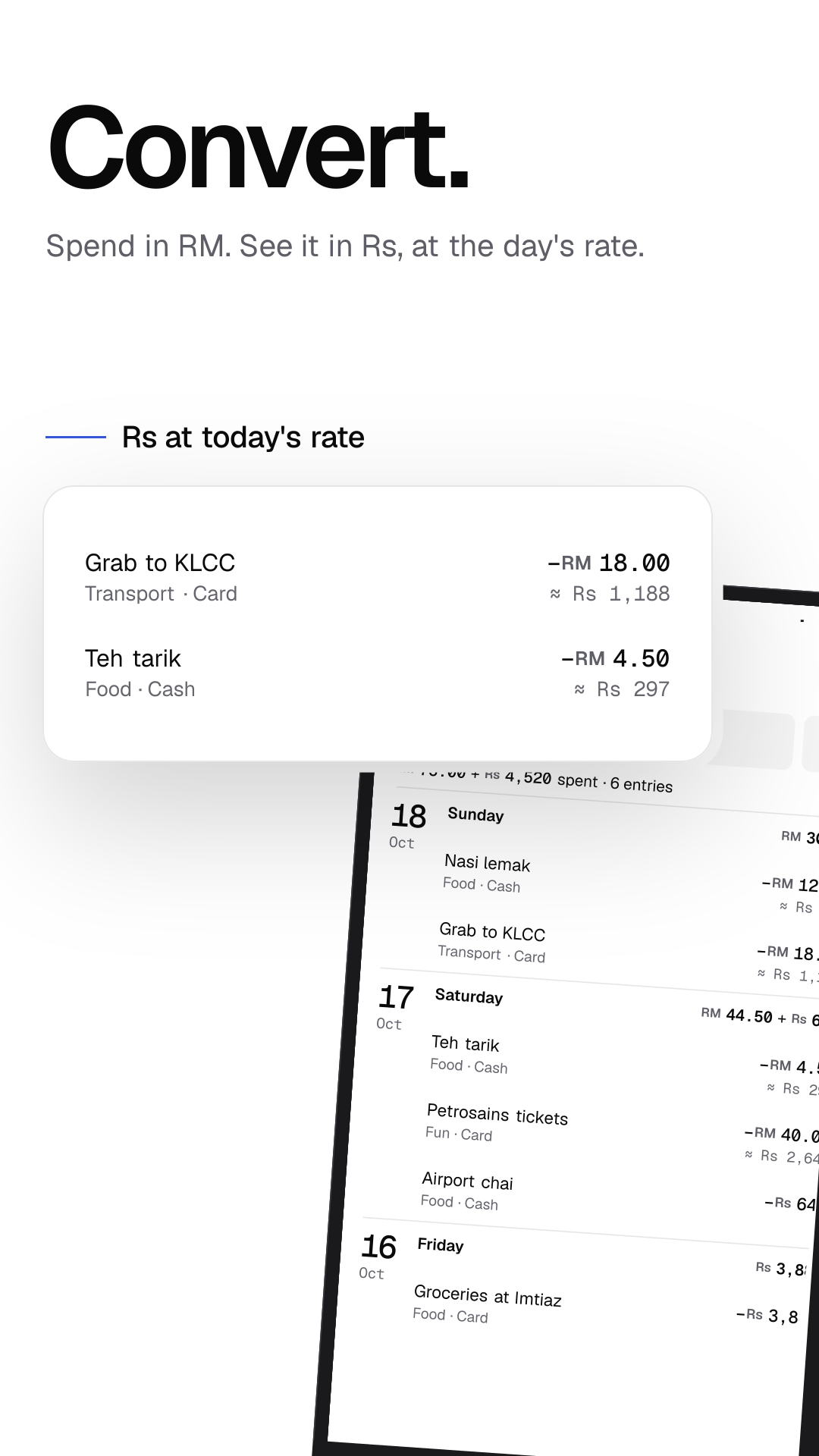
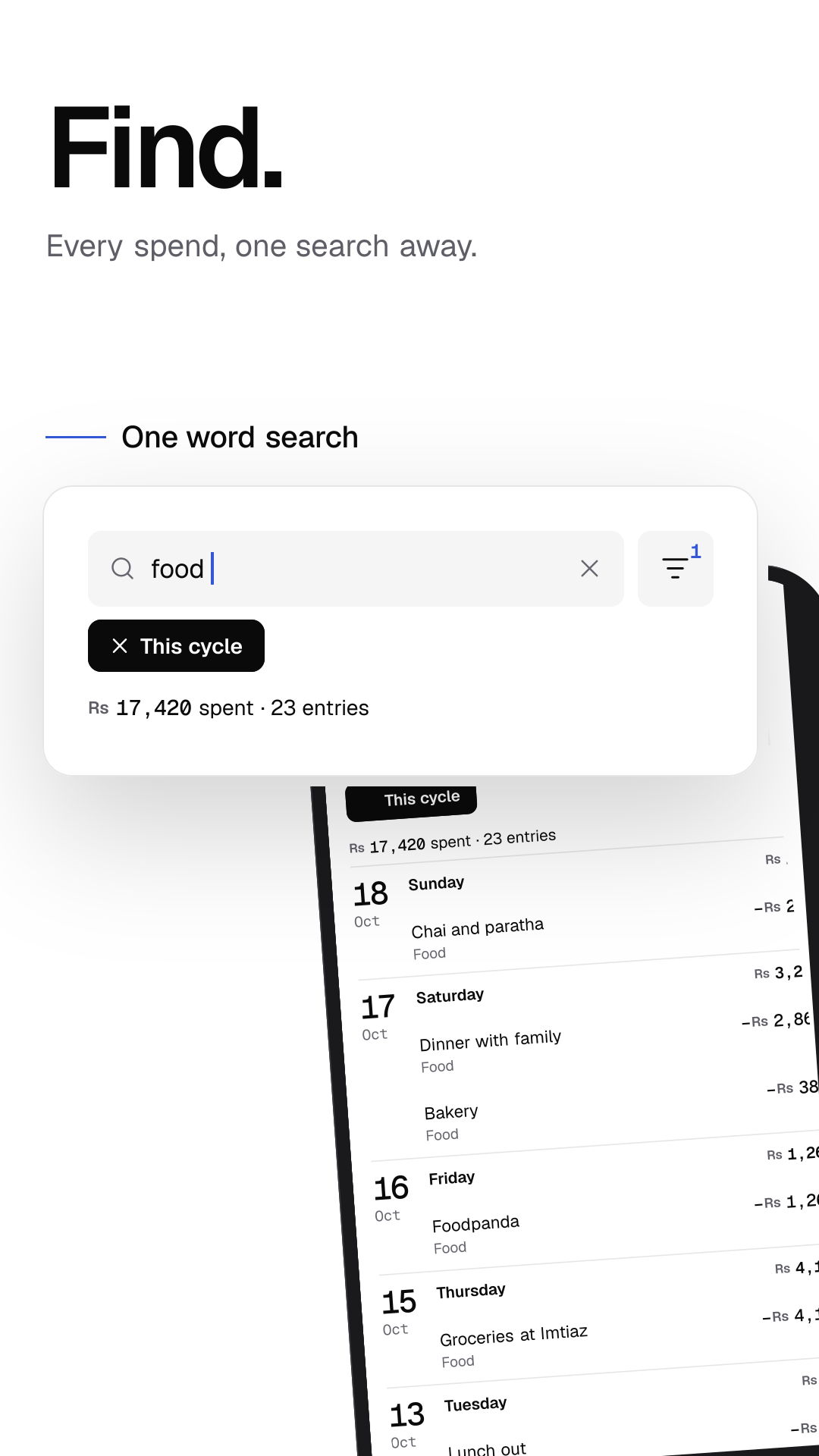
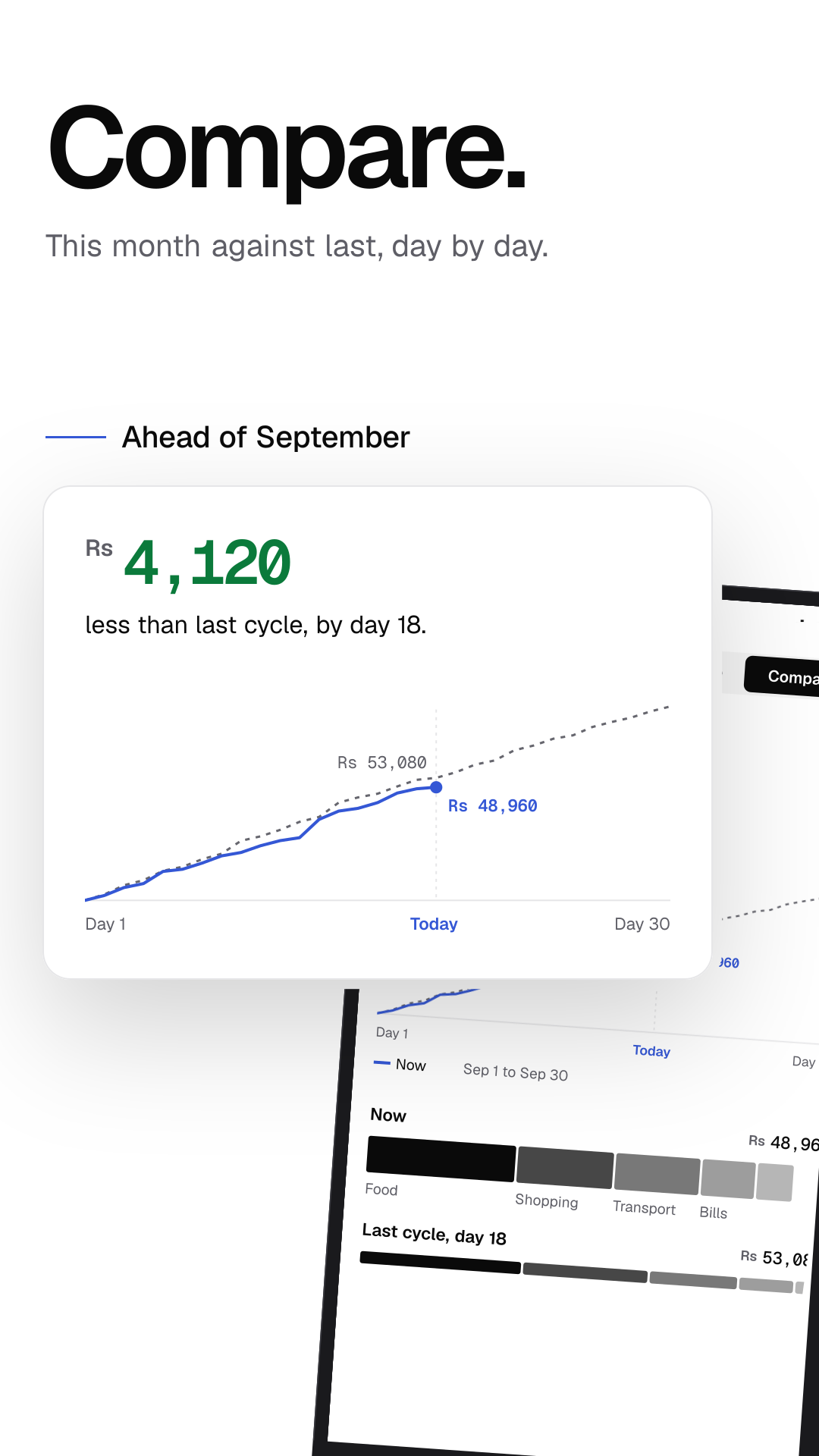
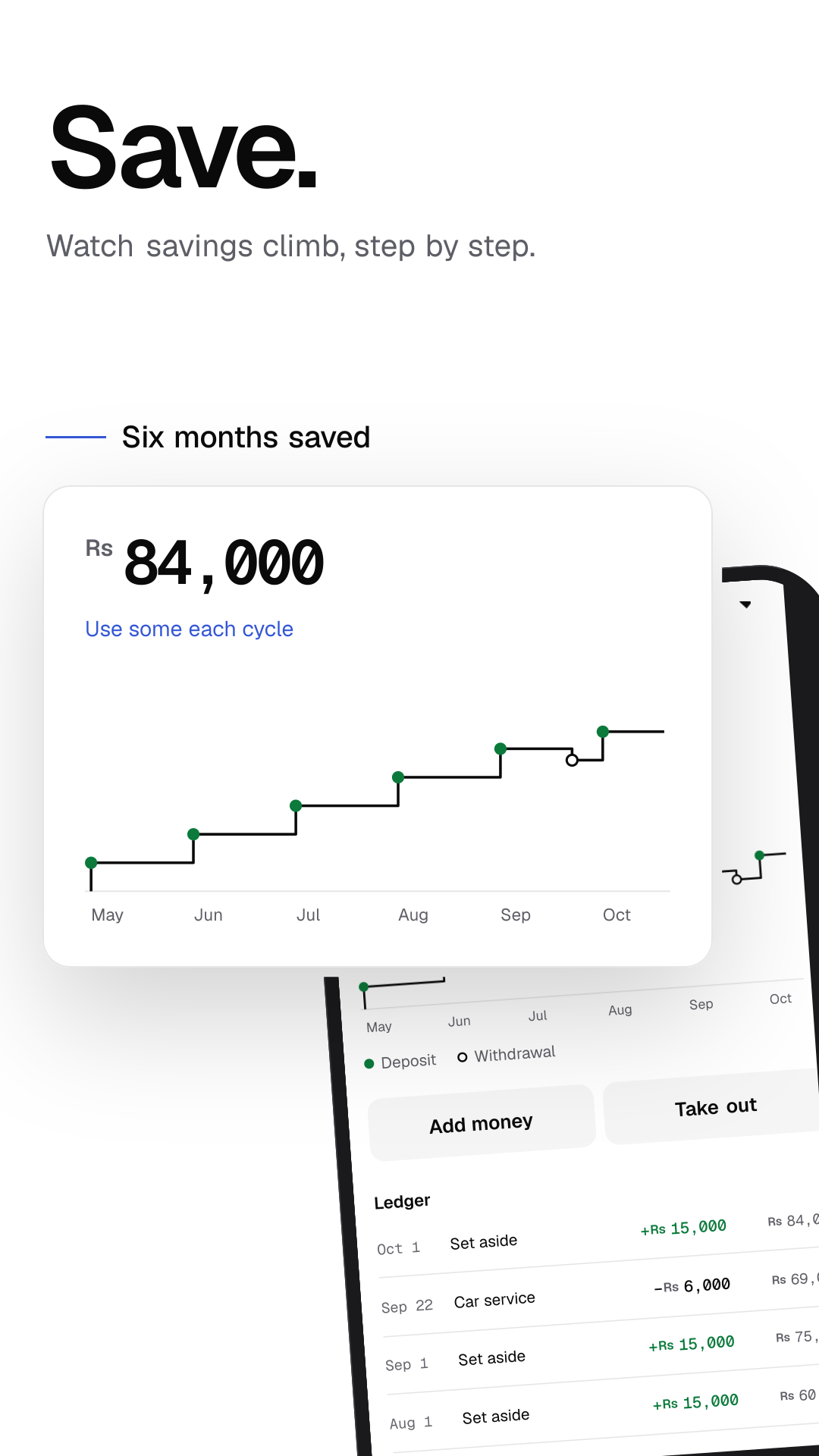
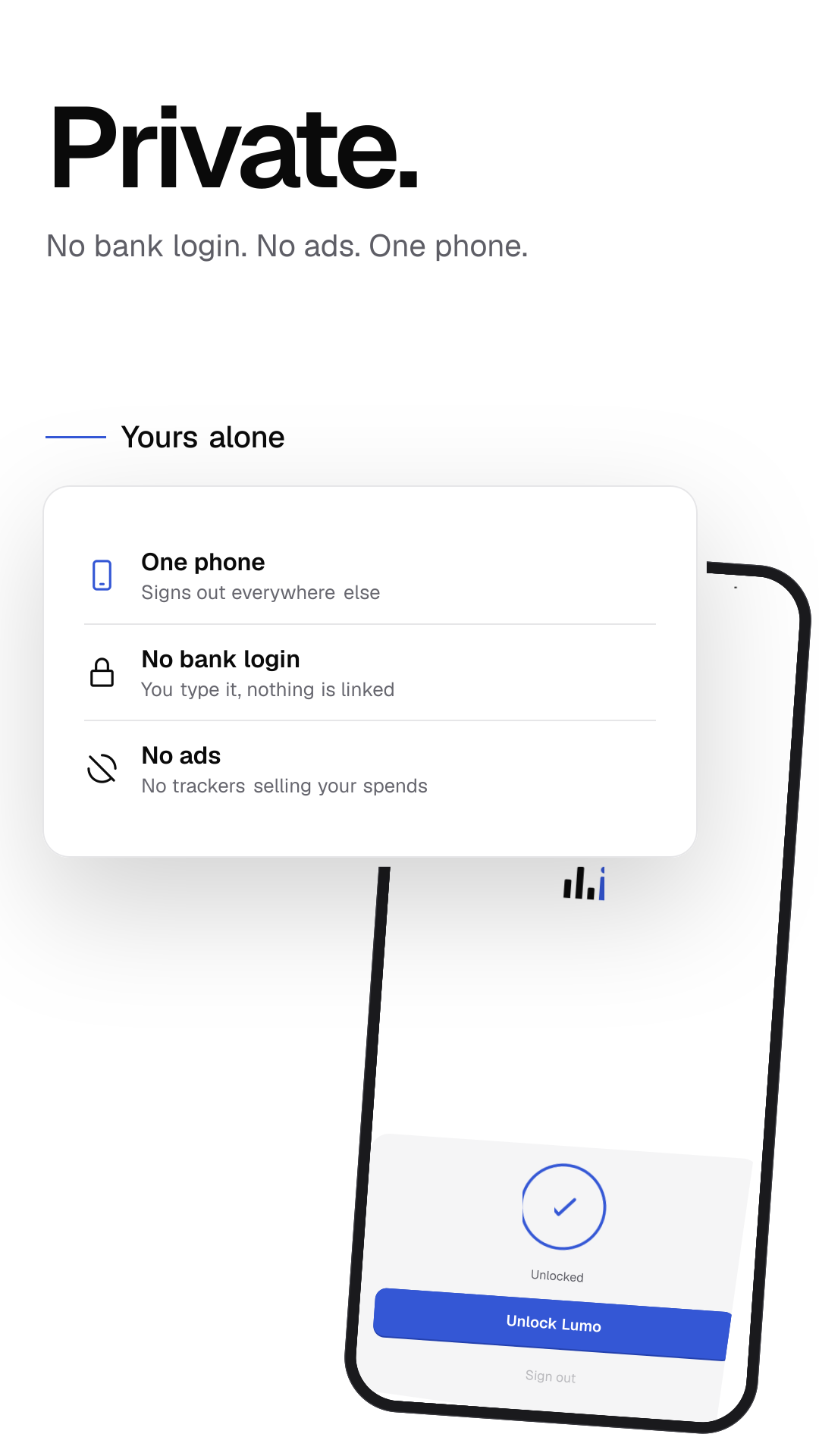
1080 × 1920, no alpha. Every number comes from one made-up month.
Google Play, 7 inch tablet
- Know. What you can spend today, in one number.
- Log. A spend in seconds. Today updates as you type.
- Set aside. Bills come out before you spend a rupee.
- Convert. Spend in RM. See it in Rs, at the day's rate.
- Find. Every spend, one search away.
- Compare. This month against last, day by day.
- Save. Watch savings climb, step by step.
- Private. No bank login. No ads. One phone.
- Know. What you can spend today, in one number. (light)
- Log. A spend in seconds. Today updates as you type. (light)
- Set aside. Bills come out before you spend a rupee. (light)
- Convert. Spend in RM. See it in Rs, at the day's rate. (light)
- Find. Every spend, one search away. (light)
- Compare. This month against last, day by day. (light)
- Save. Watch savings climb, step by step. (light)
- Private. No bank login. No ads. One phone. (light)
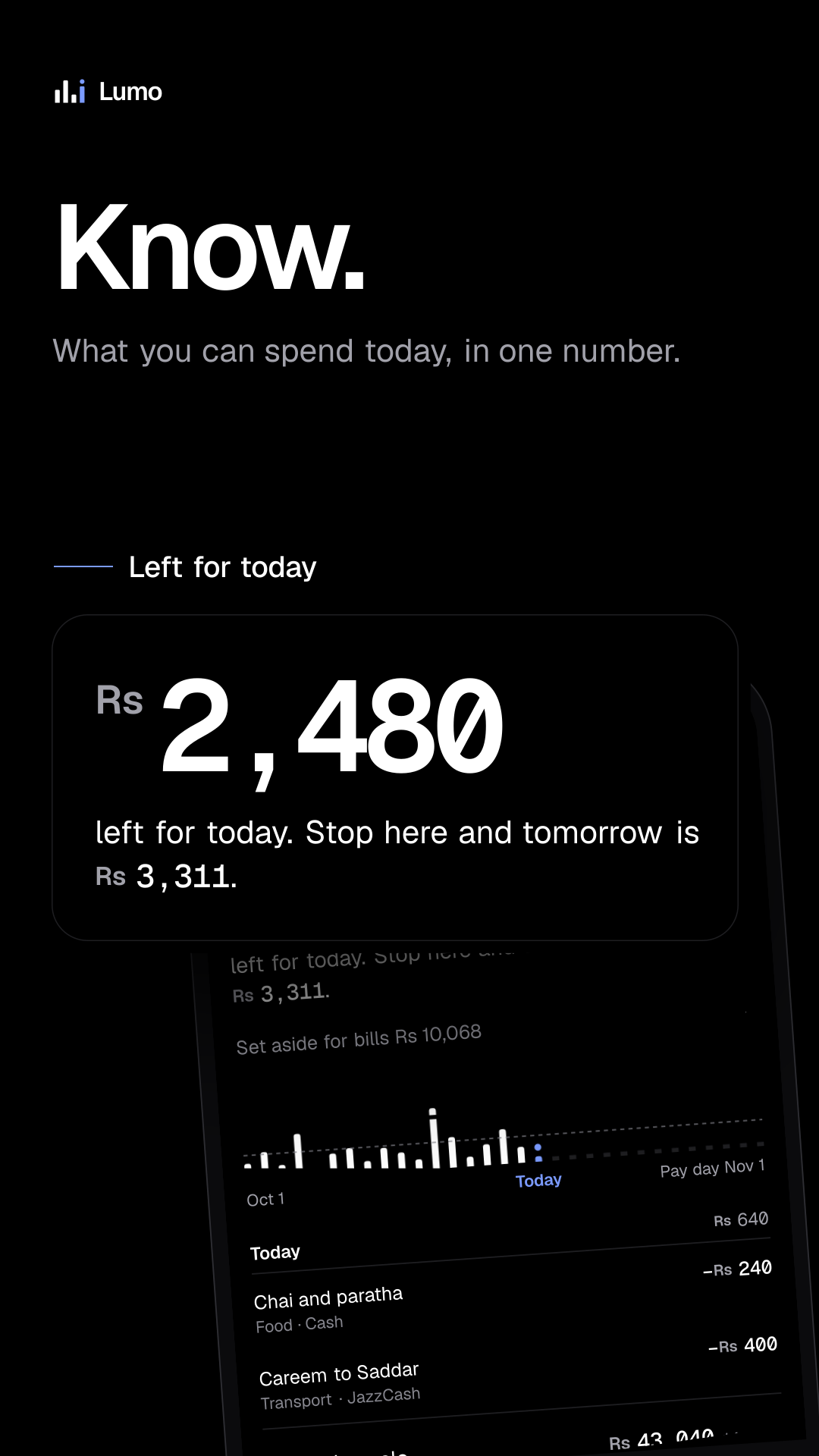
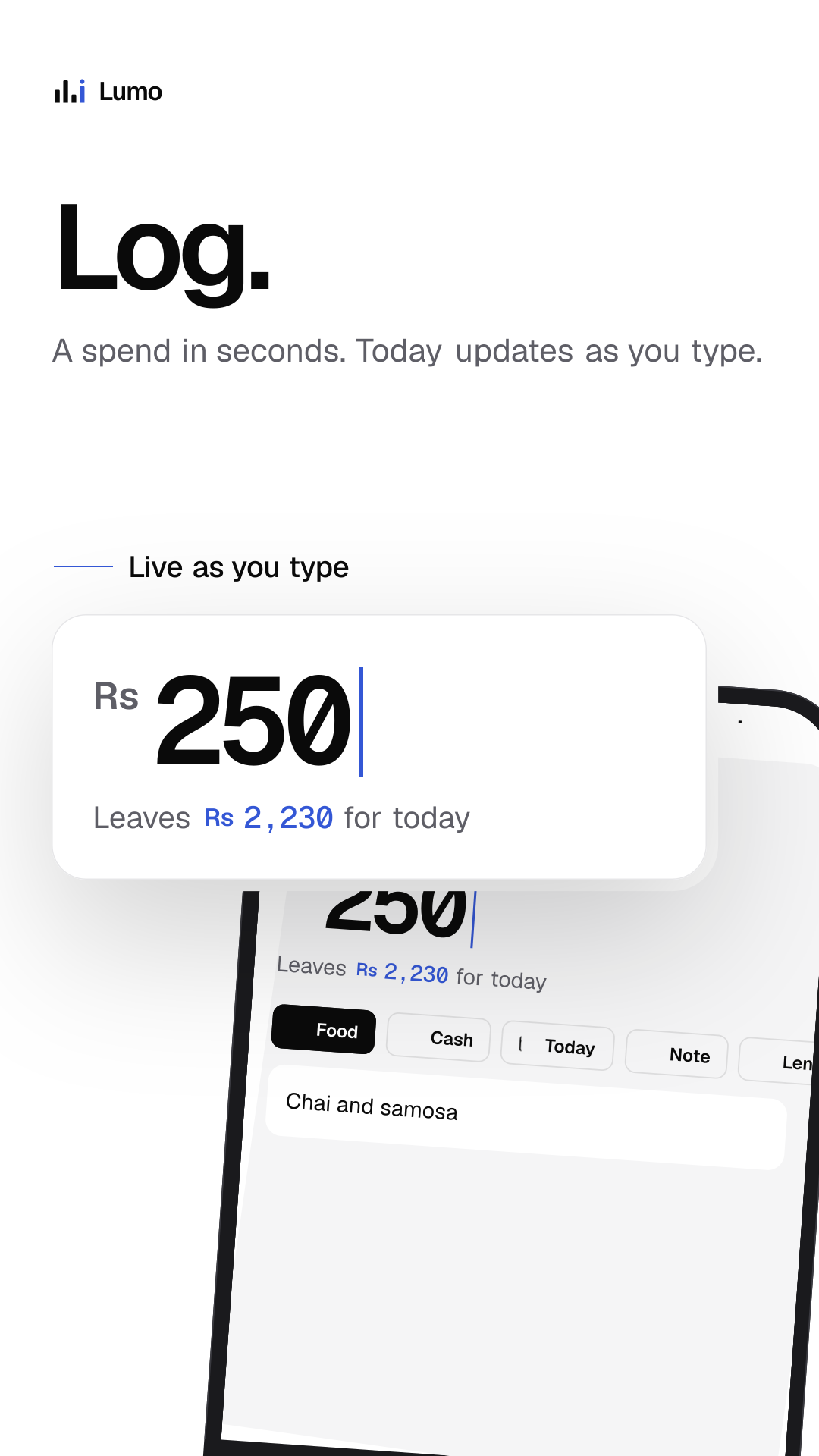
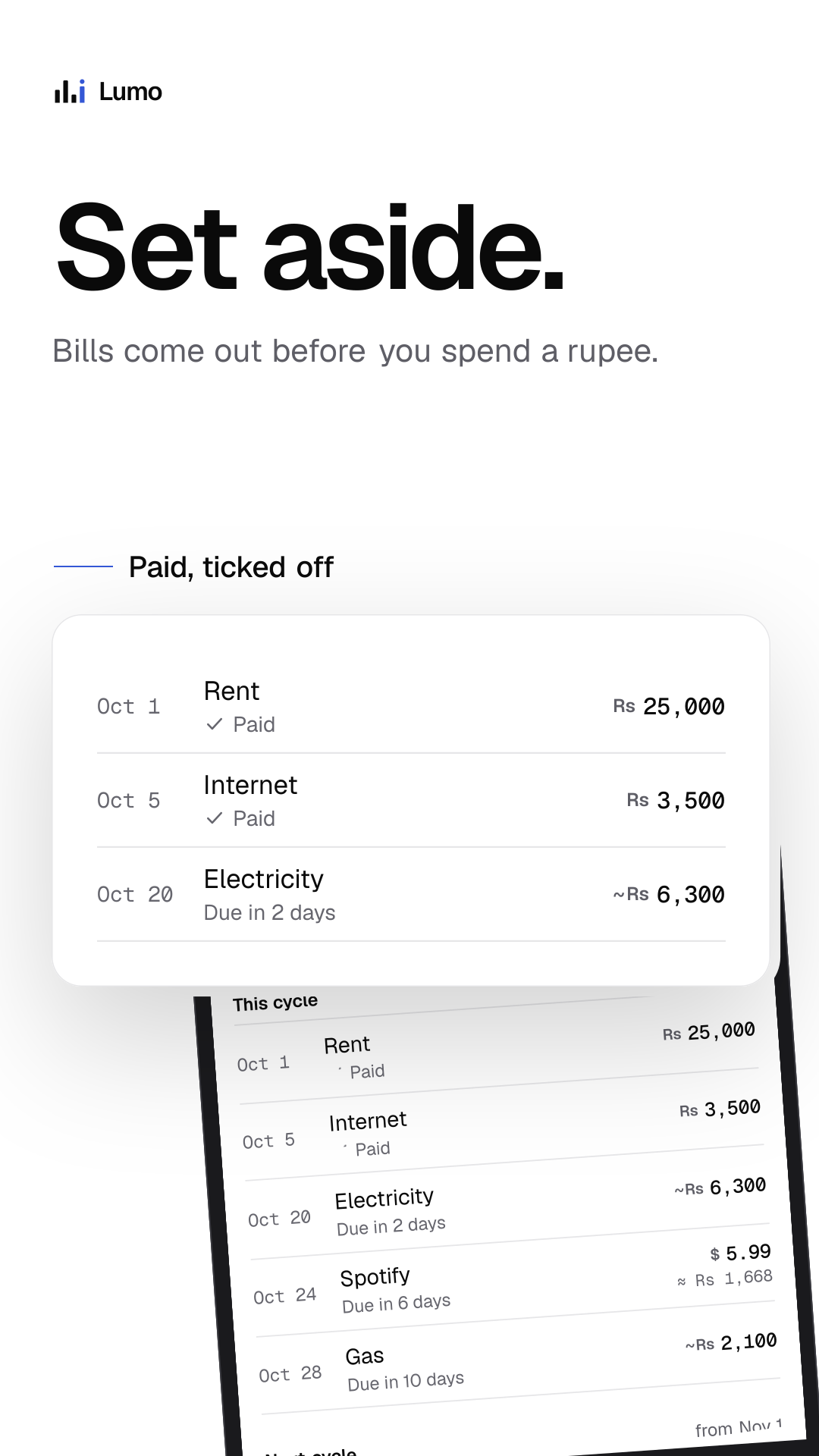
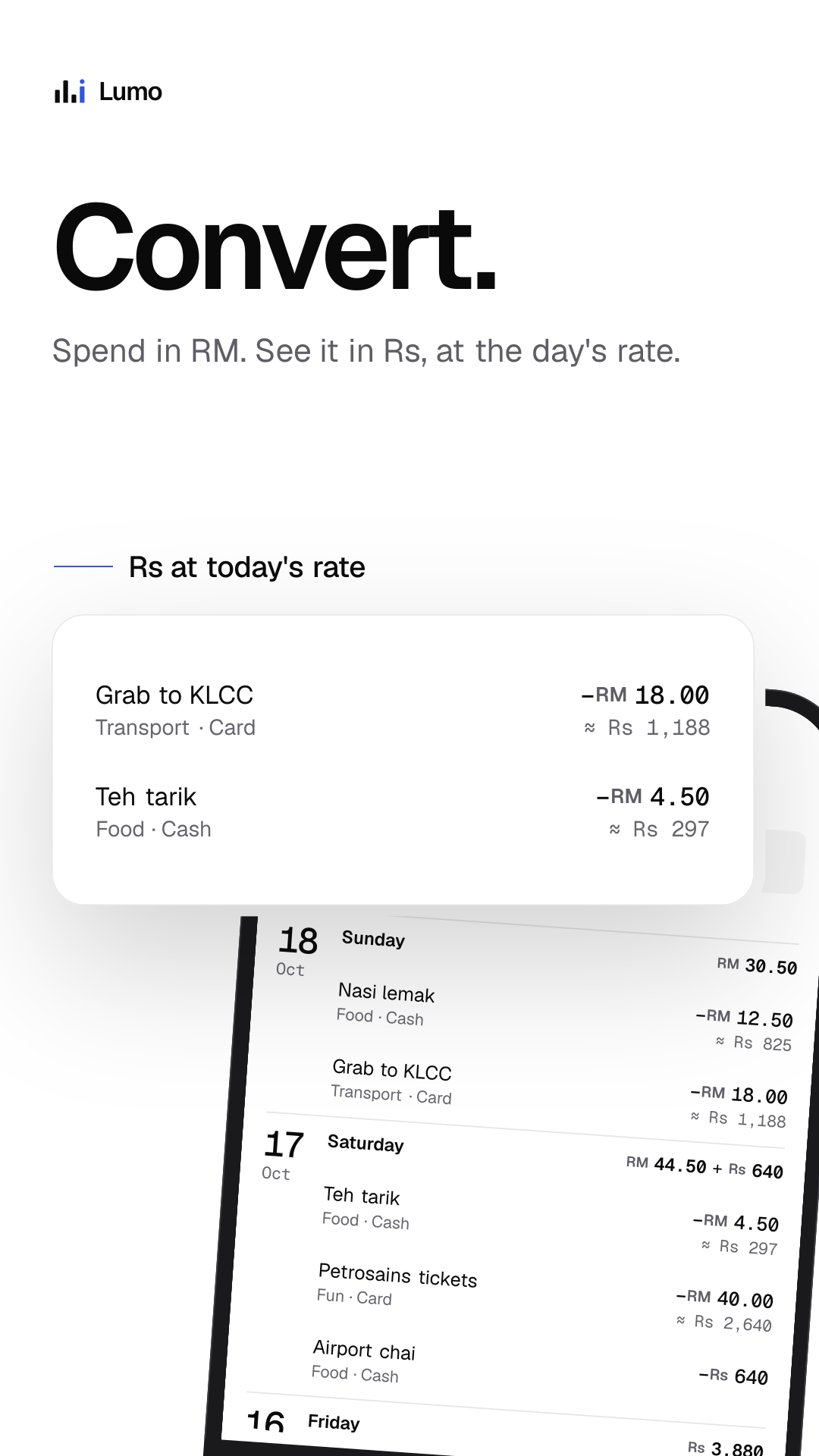
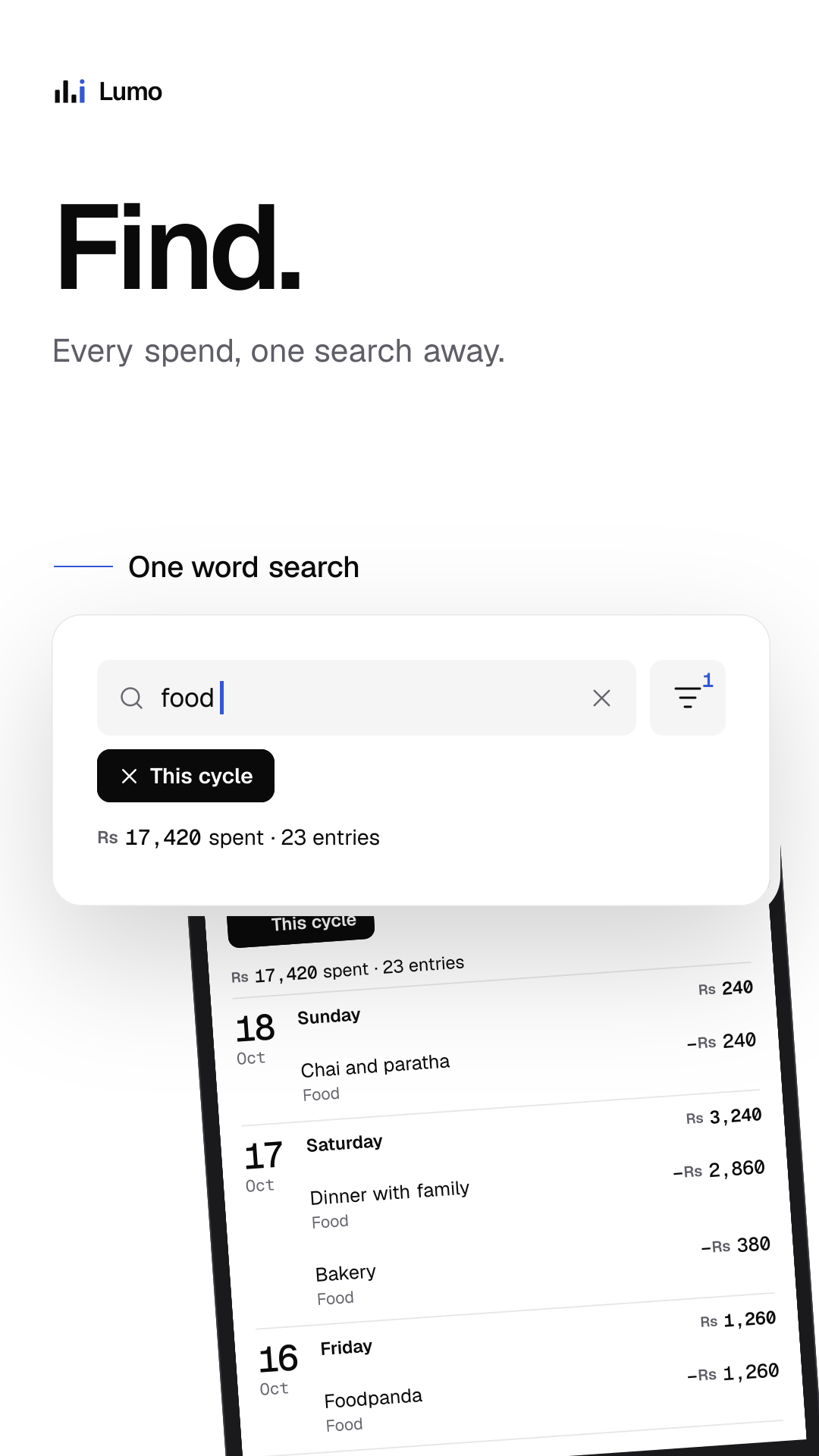
1080 × 1920, no alpha.
Google Play, 10 inch tablet
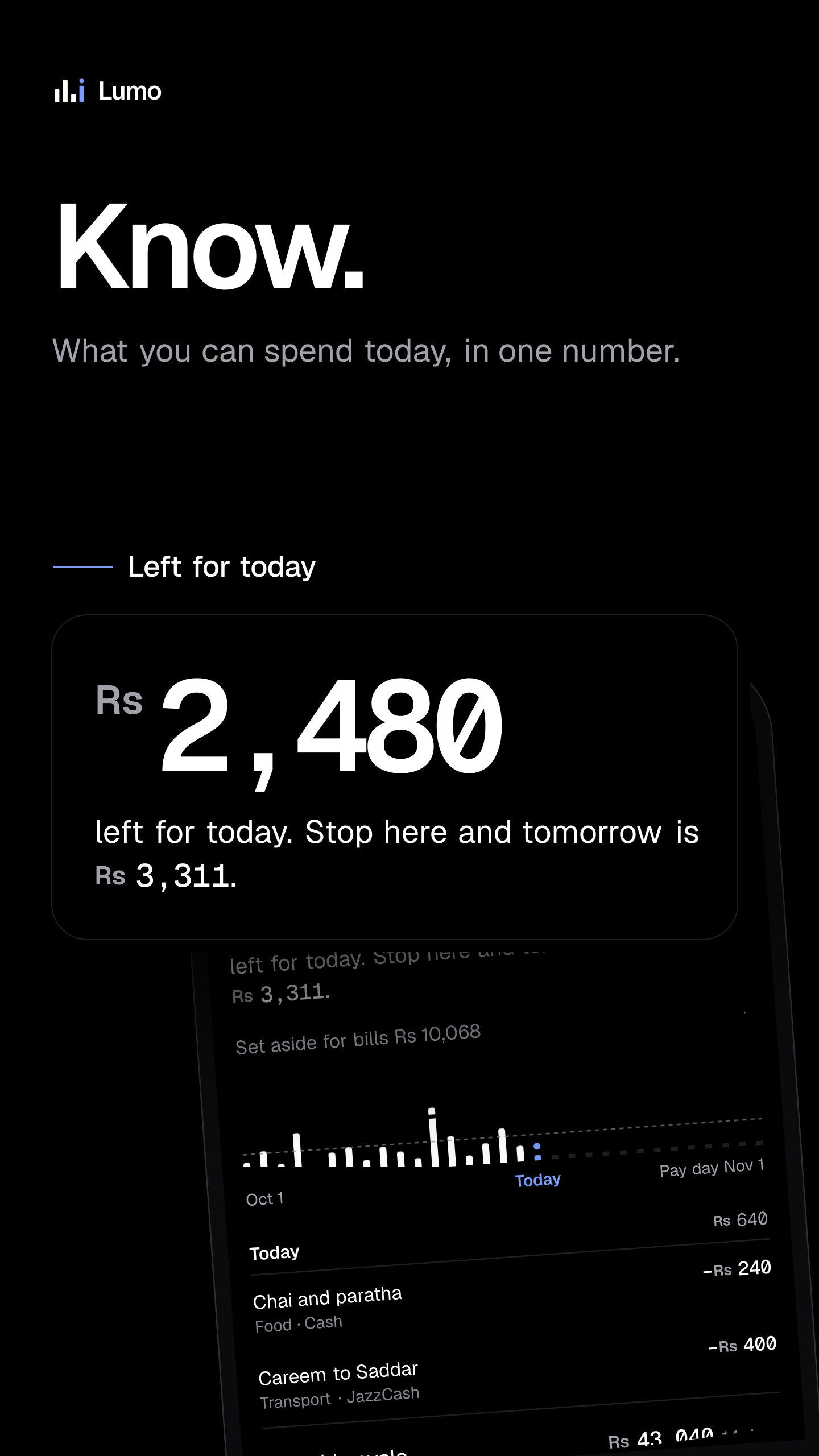
- Know. What you can spend today, in one number.
- Log. A spend in seconds. Today updates as you type.
- Set aside. Bills come out before you spend a rupee.
- Convert. Spend in RM. See it in Rs, at the day's rate.
- Find. Every spend, one search away.
- Compare. This month against last, day by day.
- Save. Watch savings climb, step by step.
- Private. No bank login. No ads. One phone.
- Know. What you can spend today, in one number. (light)
- Log. A spend in seconds. Today updates as you type. (light)
- Set aside. Bills come out before you spend a rupee. (light)
- Convert. Spend in RM. See it in Rs, at the day's rate. (light)
- Find. Every spend, one search away. (light)
- Compare. This month against last, day by day. (light)
- Save. Watch savings climb, step by step. (light)
- Private. No bank login. No ads. One phone. (light)
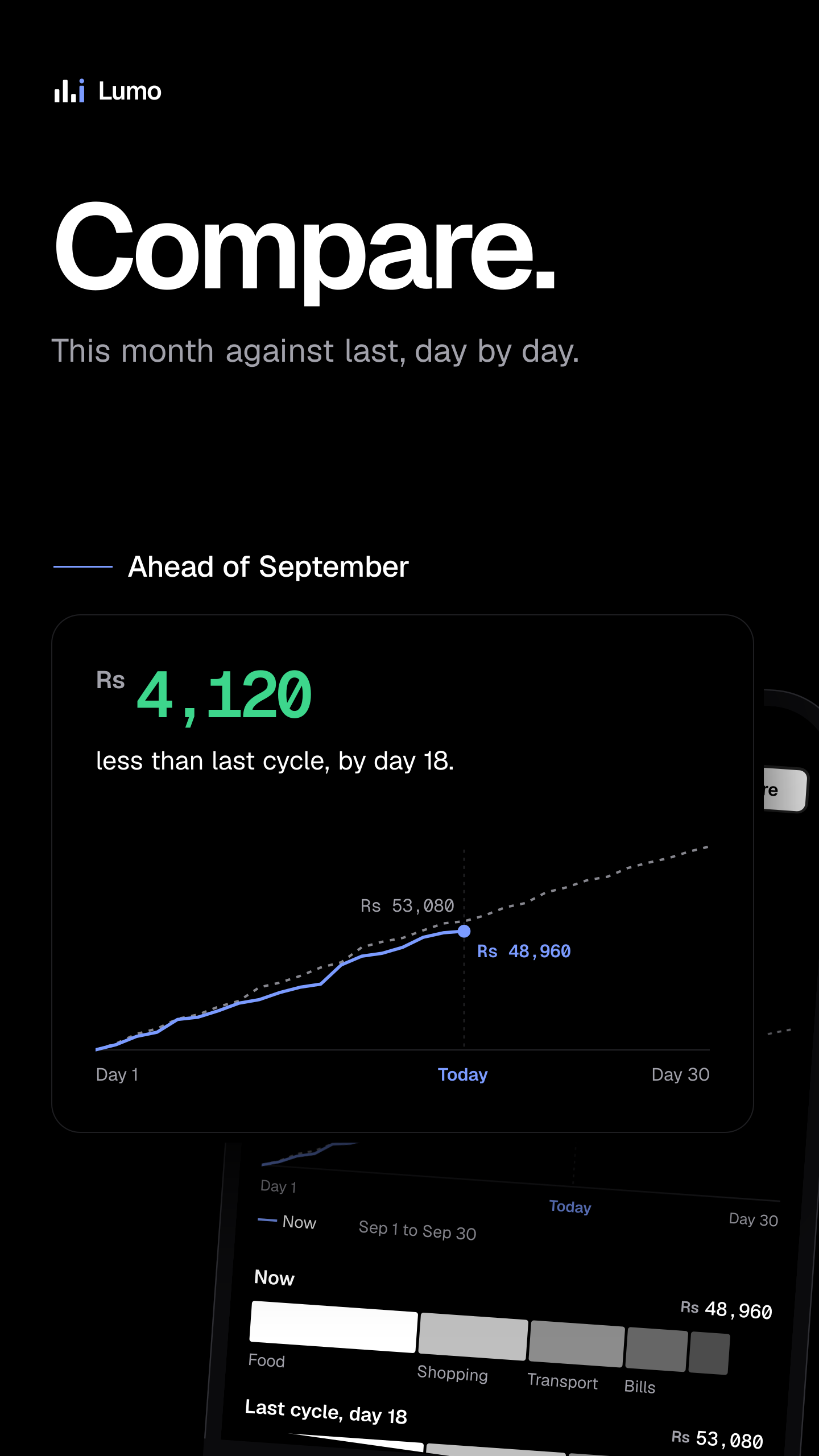
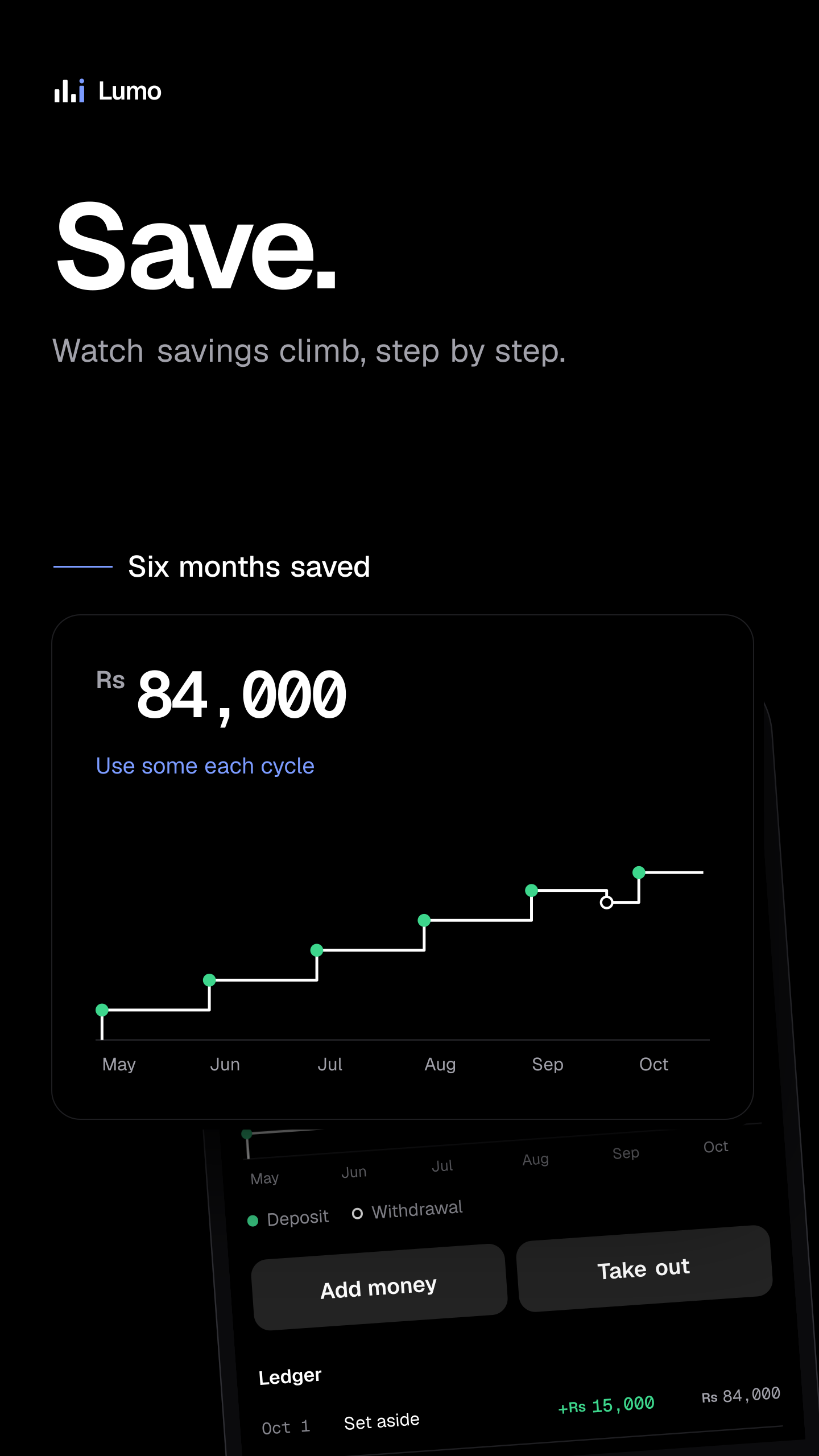
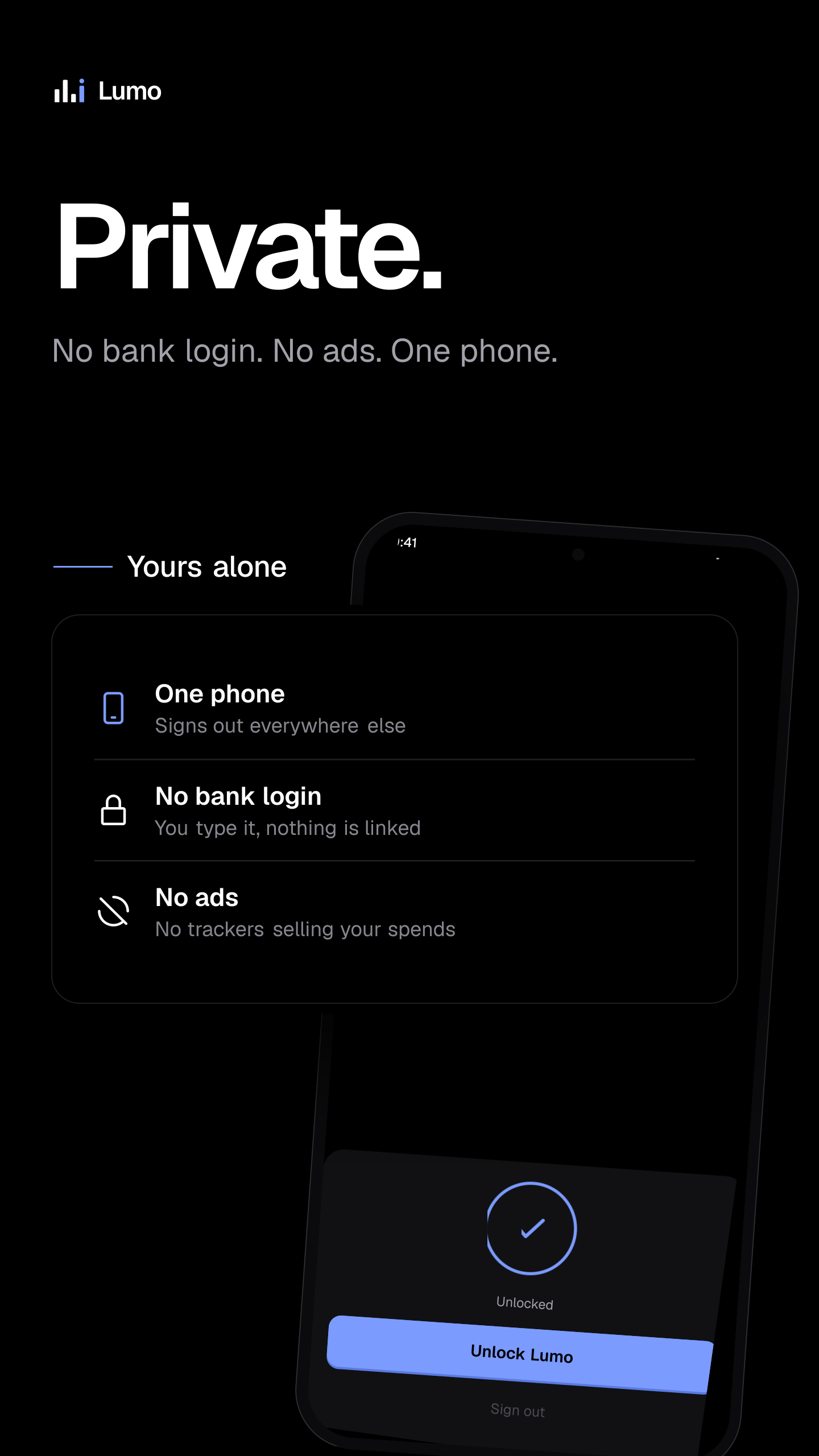
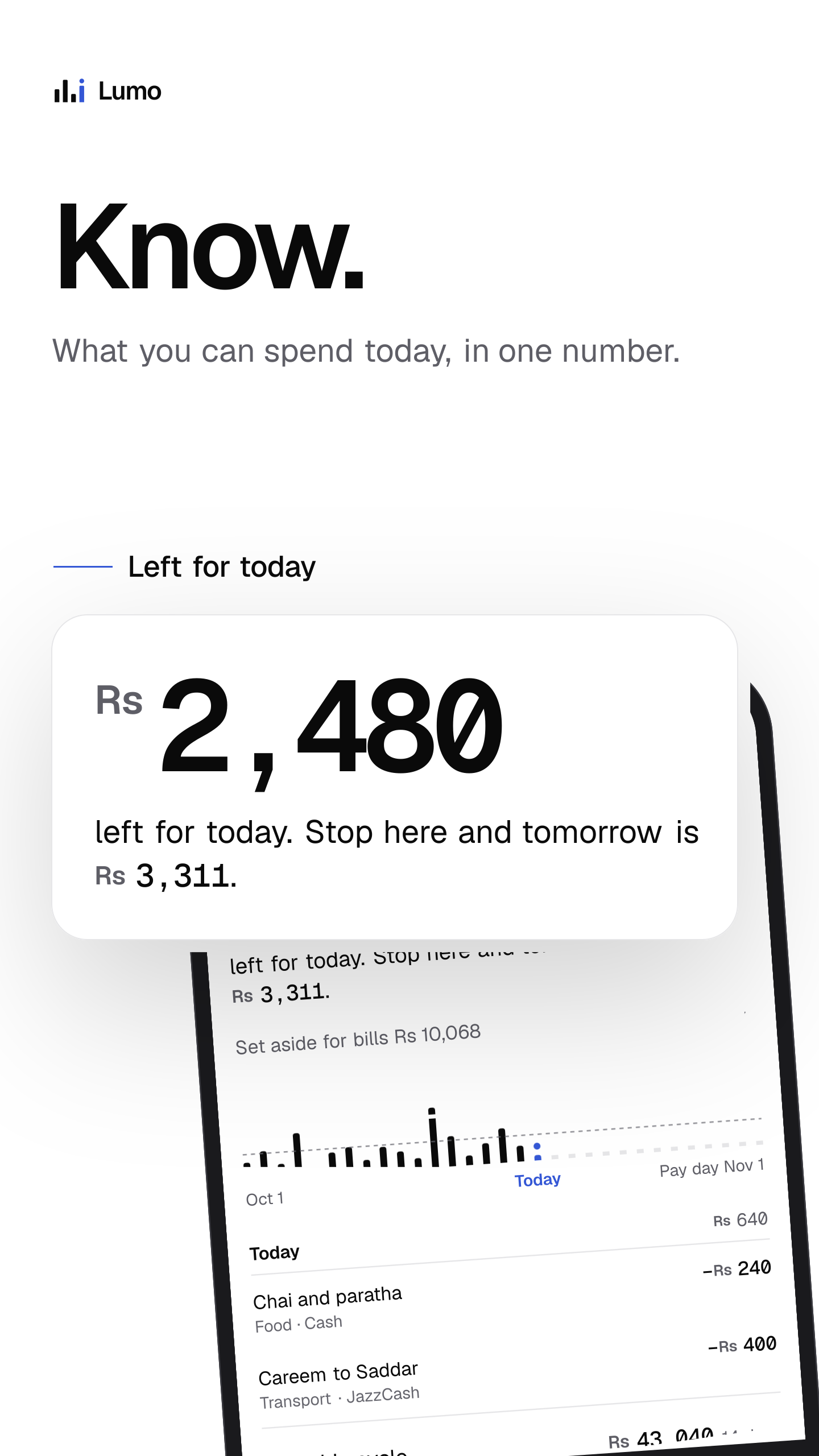
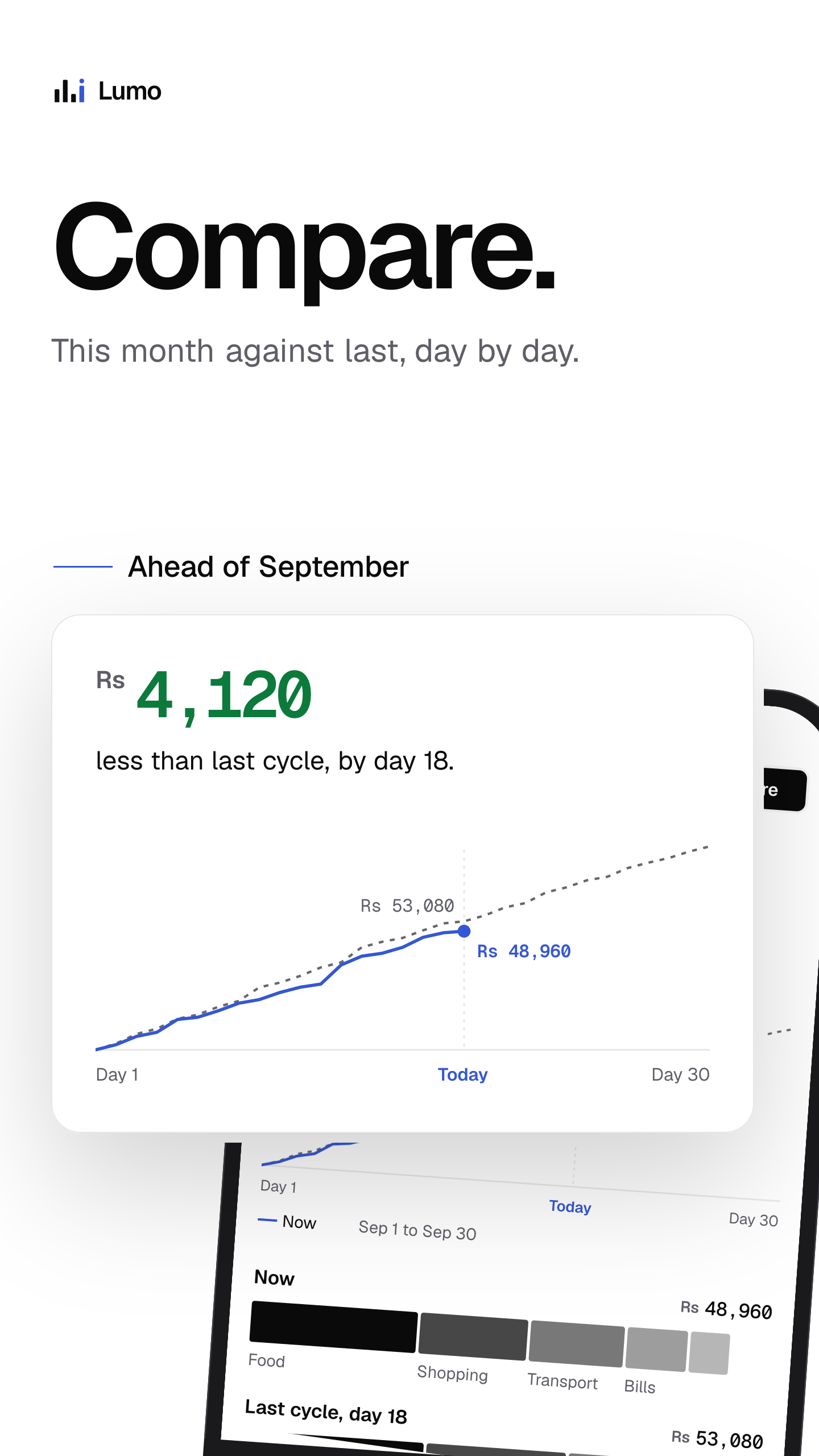
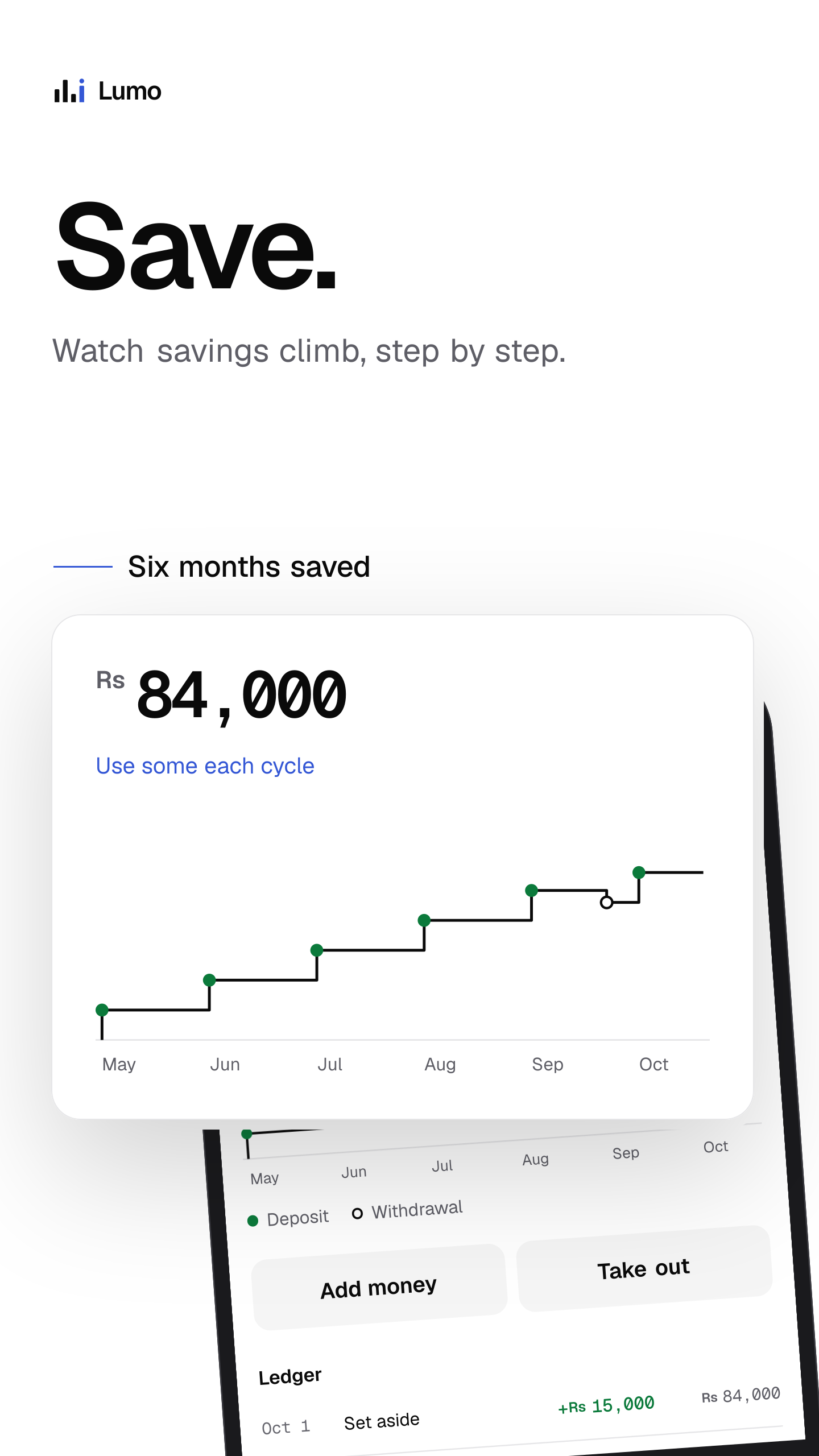
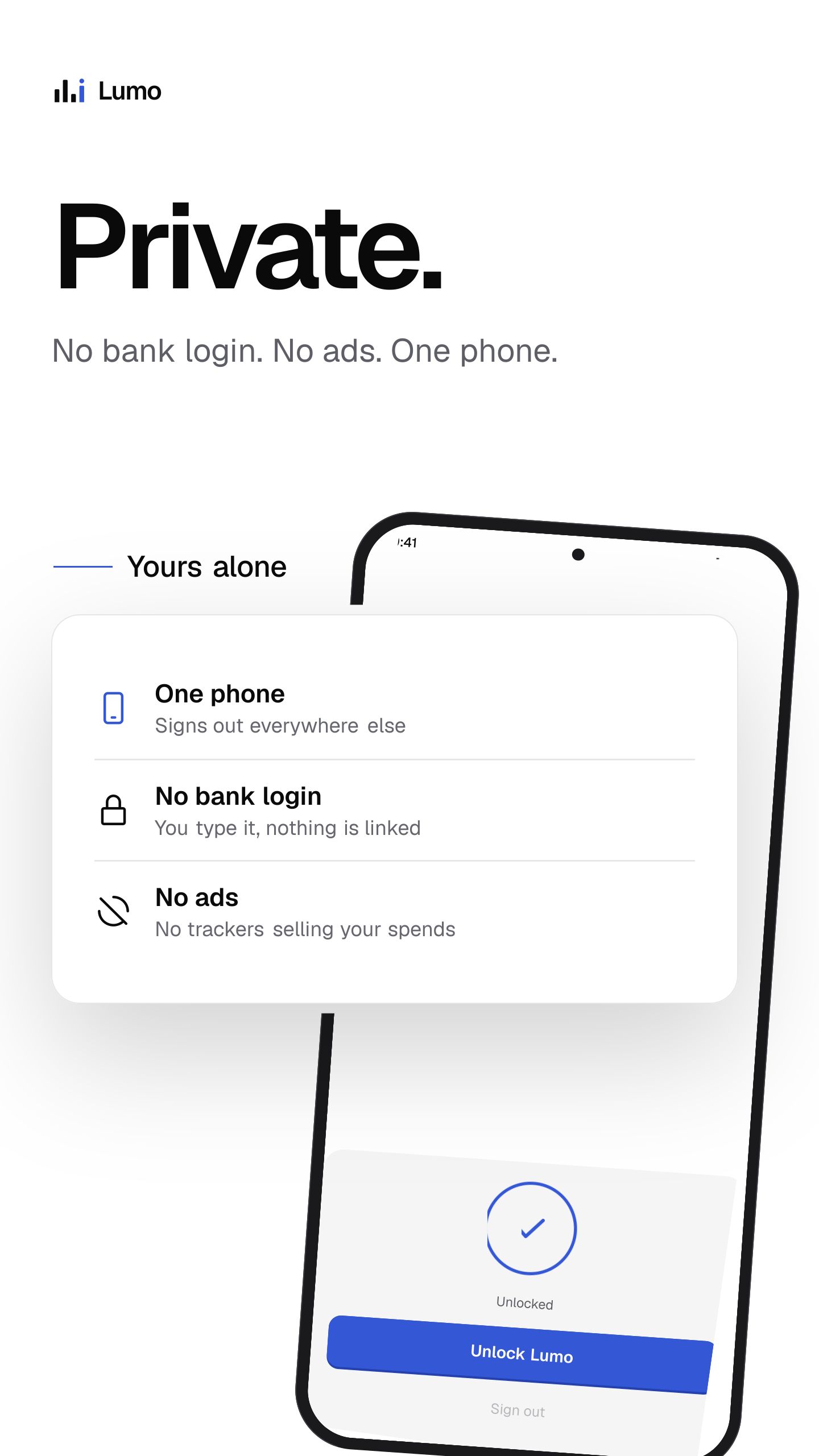
1440 × 2560, no alpha.
App Store, iPhone 6.9 inch
- Know. What you can spend today, in one number.
- Log. A spend in seconds. Today updates as you type.
- Set aside. Bills come out before you spend a rupee.
- Convert. Spend in RM. See it in Rs, at the day's rate.
- Find. Every spend, one search away.
- Compare. This month against last, day by day.
- Save. Watch savings climb, step by step.
- Private. No bank login. No ads. One phone.
- Know. What you can spend today, in one number. (light)
- Log. A spend in seconds. Today updates as you type. (light)
- Set aside. Bills come out before you spend a rupee. (light)
- Convert. Spend in RM. See it in Rs, at the day's rate. (light)
- Find. Every spend, one search away. (light)
- Compare. This month against last, day by day. (light)
- Save. Watch savings climb, step by step. (light)
- Private. No bank login. No ads. One phone. (light)


1320 × 2868, no alpha: the iPhone 6.9 inch size.
App Store, iPhone 6.3 inch
- Know. What you can spend today, in one number.
- Log. A spend in seconds. Today updates as you type.
- Set aside. Bills come out before you spend a rupee.
- Convert. Spend in RM. See it in Rs, at the day's rate.
- Find. Every spend, one search away.
- Compare. This month against last, day by day.
- Save. Watch savings climb, step by step.
- Private. No bank login. No ads. One phone.
- Know. What you can spend today, in one number. (light)
- Log. A spend in seconds. Today updates as you type. (light)
- Set aside. Bills come out before you spend a rupee. (light)
- Convert. Spend in RM. See it in Rs, at the day's rate. (light)
- Find. Every spend, one search away. (light)
- Compare. This month against last, day by day. (light)
- Save. Watch savings climb, step by step. (light)
- Private. No bank login. No ads. One phone. (light)


1206 × 2622, no alpha: the iPhone 6.3 inch size App Store Connect requires.
App Store, iPad
- Know. What you can spend today, in one number.
- Log. A spend in seconds. Today updates as you type.
- Set aside. Bills come out before you spend a rupee.
- Convert. Spend in RM. See it in Rs, at the day's rate.
- Find. Every spend, one search away.
- Compare. This month against last, day by day.
- Save. Watch savings climb, step by step.
- Private. No bank login. No ads. One phone.
- Know. What you can spend today, in one number. (light)
- Log. A spend in seconds. Today updates as you type. (light)
- Set aside. Bills come out before you spend a rupee. (light)
- Convert. Spend in RM. See it in Rs, at the day's rate. (light)
- Find. Every spend, one search away. (light)
- Compare. This month against last, day by day. (light)
- Save. Watch savings climb, step by step. (light)
- Private. No bank login. No ads. One phone. (light)


2064 × 2752, no alpha: the iPad 13 inch size.
App Store, iPhone Duo
Outer display


Inner display


No alpha. Outer display 1398 × 2034, inner display 2853 × 2007 (open, landscape). Sending both earns the iPhone Duo badge on the product page.
YouTube
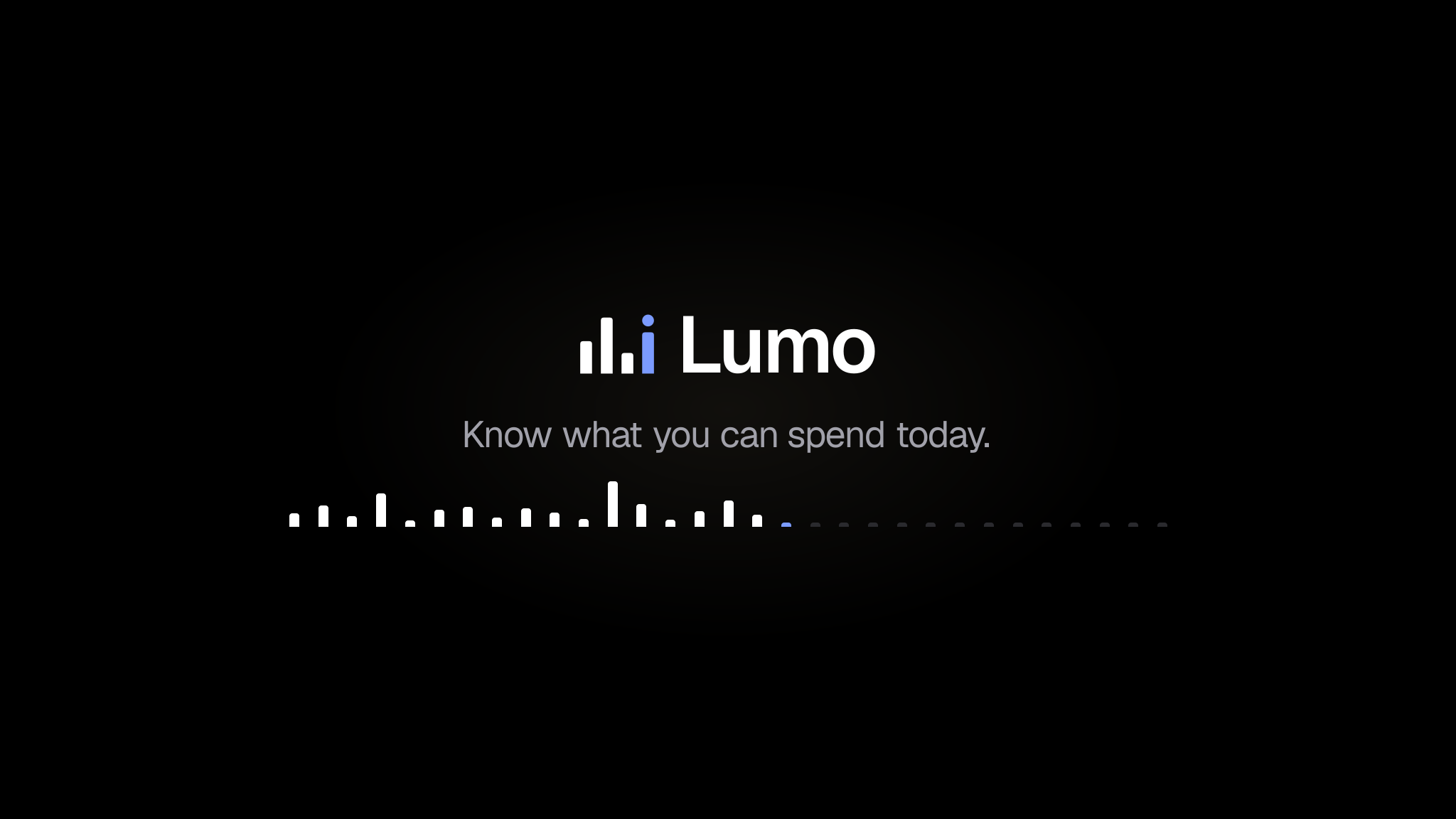


Banner 2048 × 1152: everything that matters sits in the centre 1235 × 338 every device shows. Picture 800 × 800, YouTube rounds it. Watermark 300 × 300 with a clear edge.
Usage
Do
- Keep one tick width clear around the mark.
- Use it at 16 px or larger.
- Put it on black, white or a flat colour.
- Write the name as Lumo.
Don't
- Recolour, outline or rotate the ticks.
- Add gradients, shadows or effects.
- Place it on a photo or a busy pattern.
- Stretch it or rebuild it in another font.
- Black#000000
- White#FFFFFF
- Blue on dark#7B9BFF
- Blue on light#3457D5